Can You Use Meta Quest 3 on a Mac? What Works and What Doesn't
Yes for your Mac's screen in VR, through Meta's Virtual Display app. No for Link, Air Link or SteamVR games. What Meta, Valve and Apple say.
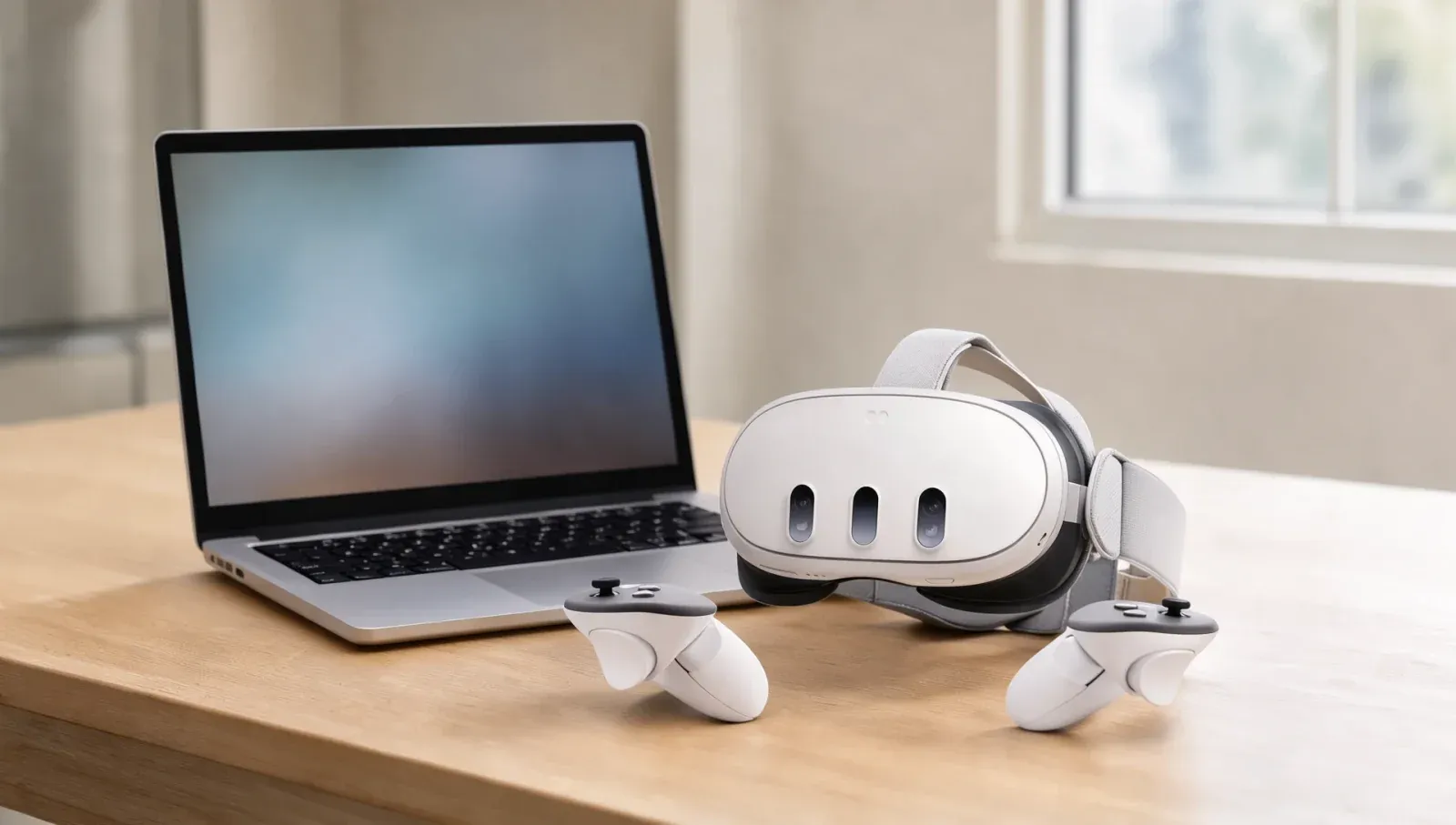
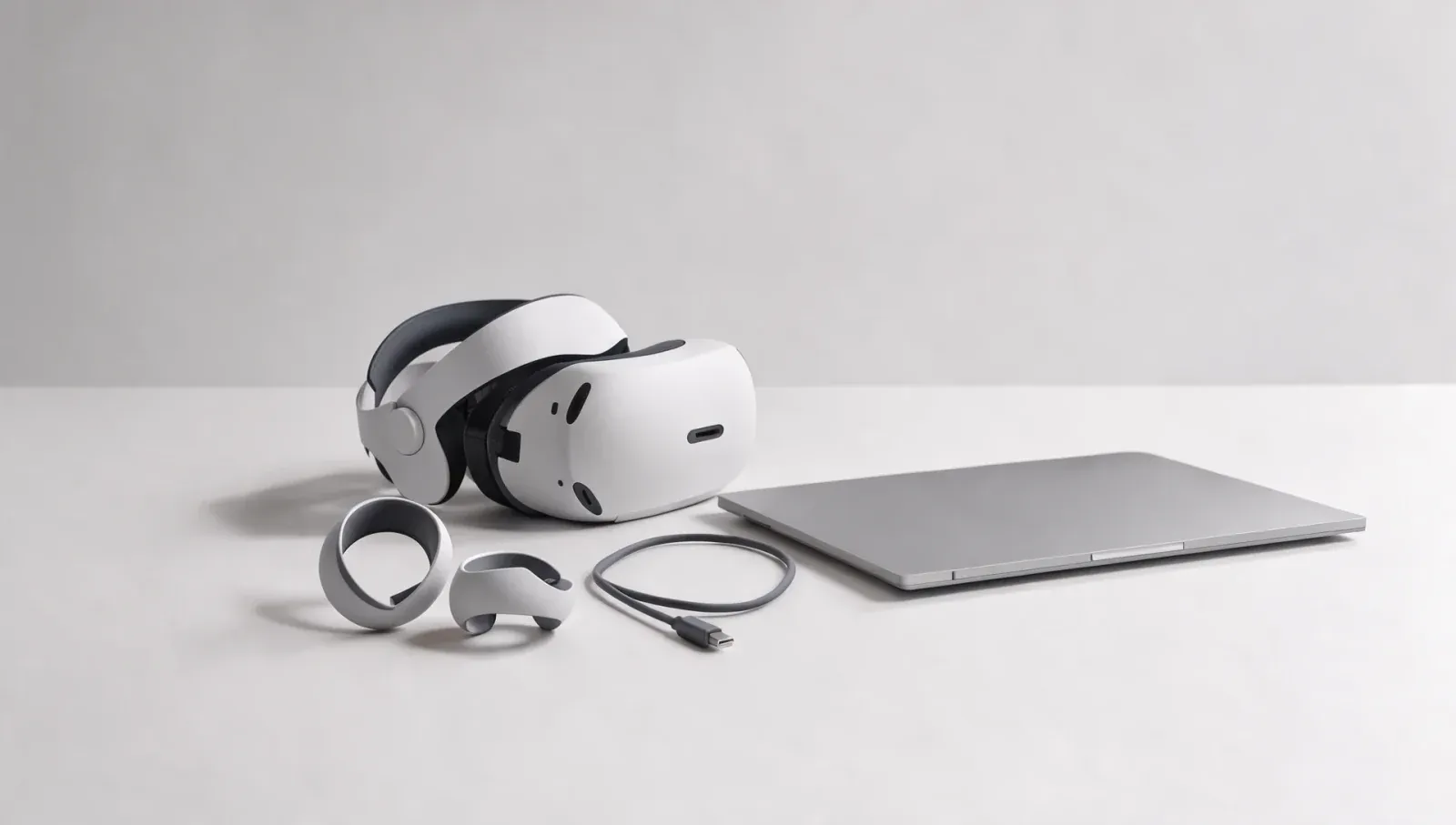
Yes, but only for your Mac's screen, not for PC VR games. Meta's Meta Quest Virtual Display app for macOS lets a Quest 3 or Quest 3S show your Mac as up to three large virtual monitors, wirelessly. What a Mac can't do is run Meta Horizon Link or Air Link, the features that stream PC VR games to the headset: Meta's help pages say both need a Windows 10 or Windows 11 PC. Steam's PC VR route is closed too, since Valve ended SteamVR's macOS support in 2020 and Valve's Steam Link app for Quest lists Windows 10 or newer. Below is what each route needs, according to Meta, Valve and Apple, plus the questions Mac owners ask most.
Does Meta Quest 3 work with a Mac?
Yes, for using your Mac in the headset. Meta's help page "Use your computer in VR with Meta Virtual Display" covers two setups: Windows 11 PCs pair through Microsoft's Mixed Reality Link app, while "for Mac and older Windows versions, use the Meta Quest Virtual Display app". Meta says Virtual Display "lets you wirelessly connect your computer to your Quest headset to extend your computer with multiple large virtual displays".
You don't need a computer to set the headset up, Mac or otherwise. Meta's Quest 3 setup guide pairs the headset with the Meta Horizon phone app, which Meta says needs Apple iOS 15.1 or later (or Android 5.0 or later), and you only need it for the first pairing and setup.
Meta Quest Virtual Display can show a Mac’s desktop on up to three virtual monitors.
What works on a Mac, and what doesn't?
What you want to do | On a Mac? | What the official pages say |
|---|---|---|
Use your Mac's screen in VR | Yes | Meta Quest Virtual Display app for macOS, up to 3 virtual displays |
Play PC VR games with Meta Horizon Link (cable) | No | Meta requires a Windows 10 or Windows 11 PC |
Play PC VR games with Air Link (Wi-Fi) | No | Part of Meta Horizon Link, same Windows requirement |
Play SteamVR games with Steam Link | No | Valve's Quest app lists Windows 10 or newer and an NVIDIA GTX 970 or better |
Copy photos and videos to the Mac | Yes, without a cable | Meta's media sync, then download from meta.com/gallery |
Develop and sideload your own apps | Yes | Meta's developer hub app has a macOS version |
Set up the headset | Yes, with an iPhone | Meta Horizon app on iOS 15.1 or later |
How do you connect a Quest 3 to a Mac with Virtual Display?
Meta keeps the Mac route simple:
- Install the Meta Quest Virtual Display app on your Mac. Meta's help page names it as the app to use "for Mac and older Windows versions".
- On the Quest, open Virtual Display. Meta's release notes say it is installed automatically on all Quest devices and opens from Quick Controls or the Library.
- Follow the prompts in the app and in the headset to pair them.
Once connected, Meta says you can have up to three virtual displays, choose Portrait (3:4), Compact (16:9), Wide (21:9) or Ultrawide (32:9) formats, and pick between three resolution settings: Larger Text (720p), Default (1080p) and More Space (1440p). Meta notes that Ultrawide is only available in focus view and that changing the resolution from the default may degrade visual quality.
Meta's help page doesn't give a minimum macOS version for the app. The feature used to be called Remote Desktop: Meta's release notes for Horizon OS version 2.7 (rolling out from the week of 17 August 2026 to Quest 3, 3S, Quest Pro and Quest 2) say it was renamed Virtual Display, "is automatically installed on all Quest devices" and "lets you connect your Windows or Mac computer". The Windows 11 route is stricter: Meta lists a Quest 3 or 3S, Windows 11 22H2 or newer, Horizon OS v81 or newer and a 5 GHz or 6 GHz Wi-Fi network.
Can you play PC VR games on a Mac with Meta Quest 3?
No, not through any official route. Meta's page on Meta Horizon Link says it "lets you connect your Meta Quest headset to a Windows PC to access PC VR content", and the Meta Horizon Link app has to be installed "onto a Windows PC". Meta's minimum specification is an Intel i5-4590 or AMD Ryzen 5 1500X processor, 8 GB of RAM, Windows 10 or Windows 11 and a graphics card from Meta's supported list, which covers NVIDIA and AMD cards. macOS isn't mentioned anywhere.
Steam is not a way round it. Valve's Steam Link app for Quest needs "a computer running Steam and SteamVR", with Windows 10 or newer and an NVIDIA GTX 970 or better as the minimum. SteamVR itself left the Mac years ago: Valve posted in 2020 that "SteamVR has ended macOS support so our team can focus on Windows and Linux", and the SteamVR store page lists Windows only today. Sony's headset raises the same question, and our guide to using PS VR2 on a Mac covers what Sony, Valve and Apple say.
The paid third-party app Virtual Desktop, sold on the Meta Horizon Store, is sometimes suggested. Its developer says its streamer supports macOS Catalina or later for desktop streaming, but that SteamVR and Oculus Rift games need "a VR ready PC running Windows 10 or 11" and that "it won't work on a Mac". If you want a headset for PC VR games, our Steam Frame vs Bigscreen Beyond 2 comparison covers two built for that job, and both still need a gaming PC.
Can you use Air Link or Meta Horizon Link on a MacBook?
No. Meta's setup page for Meta Horizon Link and Air Link lists "a Windows computer that meets the minimum requirements" for both the cable and the Wi-Fi version. Meta's help hub for the app says the same in its first step: "Install the Meta Horizon Link app on your Windows computer". There is no Mac download, and that applies to every MacBook Air, MacBook Pro, Mac mini and Mac Studio.
What about Boot Camp on an Intel Mac?
That is not an option on any current Mac. Apple's Boot Camp page says it installs Windows 10 on "your Intel-based Mac", and its model list stops at 2020, specifically excluding the M1 MacBook Air and MacBook Pro. On an older Intel Mac running Windows through Boot Camp, the machine would still have to meet Meta's own PC requirements, including a graphics card on Meta's supported list. Meta doesn't list any Mac as tested.
How do you transfer files from a Quest 3 to a Mac?
The cable route is shaky on a Mac. Meta's help page on moving files between Quest headsets says Windows shows the headset as a drive once you select Allow in the headset, but "on Mac, you'll need to install Android File Transfer to successfully transfer files between your Meta Quest and computer". Google's old download page for that app now redirects to Quick Share, and Meta's guide for moving photos and videos lists a computer running Windows as the requirement. The simpler route is Meta's media sync: with the headset paired to the Meta Horizon phone app, synced photos and videos can be downloaded from meta.com/gallery in your Mac's browser.
FAQ
Can I use Meta Quest 3 as a monitor for my Mac?
Yes. That is exactly what Meta's Virtual Display app does: it puts your Mac's screen in the headset as up to three virtual displays.
Does Meta Quest 3S work with a Mac?
Yes, in the same way. Meta's release notes say Virtual Display is installed automatically on all Quest devices and lets you connect a Windows or Mac computer. PC VR games through Link still need Windows.
Is there a Meta Quest Link app for Mac?
No. The Meta Horizon Link app, which also handles Air Link, is Windows-only, according to Meta's own requirements page. The Mac app Meta does offer is Meta Quest Virtual Display.
Can I play Steam VR games on my MacBook with a Quest 3?
No. Valve ended SteamVR's macOS support in 2020, and Valve's Steam Link app for Quest lists Windows 10 or newer as the supported operating system. Flat Steam games are a separate case, and if you play them with Valve's new controller, our guide to the Steam Controller on Mac covers what Valve says about macOS.
Do I need a computer to set up a Meta Quest 3?
No. Meta's setup guide uses the Meta Horizon phone app, which Meta says works on iOS 15.1 or later and Android 5.0 or later, and may not work on tablets. You only need it for the first pairing and setup.
Can I develop Quest apps on a Mac?
Yes. Meta describes its developer hub as "an application for Windows and MacOS" for managing devices, debugging apps and submitting them to the Store, with a macOS download on its developer site. Testing over Meta Horizon Link still needs a Windows PC.
Does Apple's Mac Virtual Display work with Quest 3?
No. Mac Virtual Display is Apple's feature for Apple Vision Pro, and Apple's Vision Pro user guide lists it there. For a Quest, the equivalent is Meta's own Virtual Display app described above.
If you are weighing a new Mac for this, our look at Apple's M6 MacBook Pro has the prices, and more Apple questions are answered in our Apple guides.
Source: Meta Quest Help: Use your computer in VR with Meta Virtual Display, Meta Quest Help: Windows PC requirements for Meta Horizon Link