Can You Use the Switch 2 Pro Controller on a Mac? What Apple Says
Not officially: Apple doesn't list it, Nintendo says it's for Switch 2 only and Steam's notes skip macOS. What that means and which pads Apple supports.
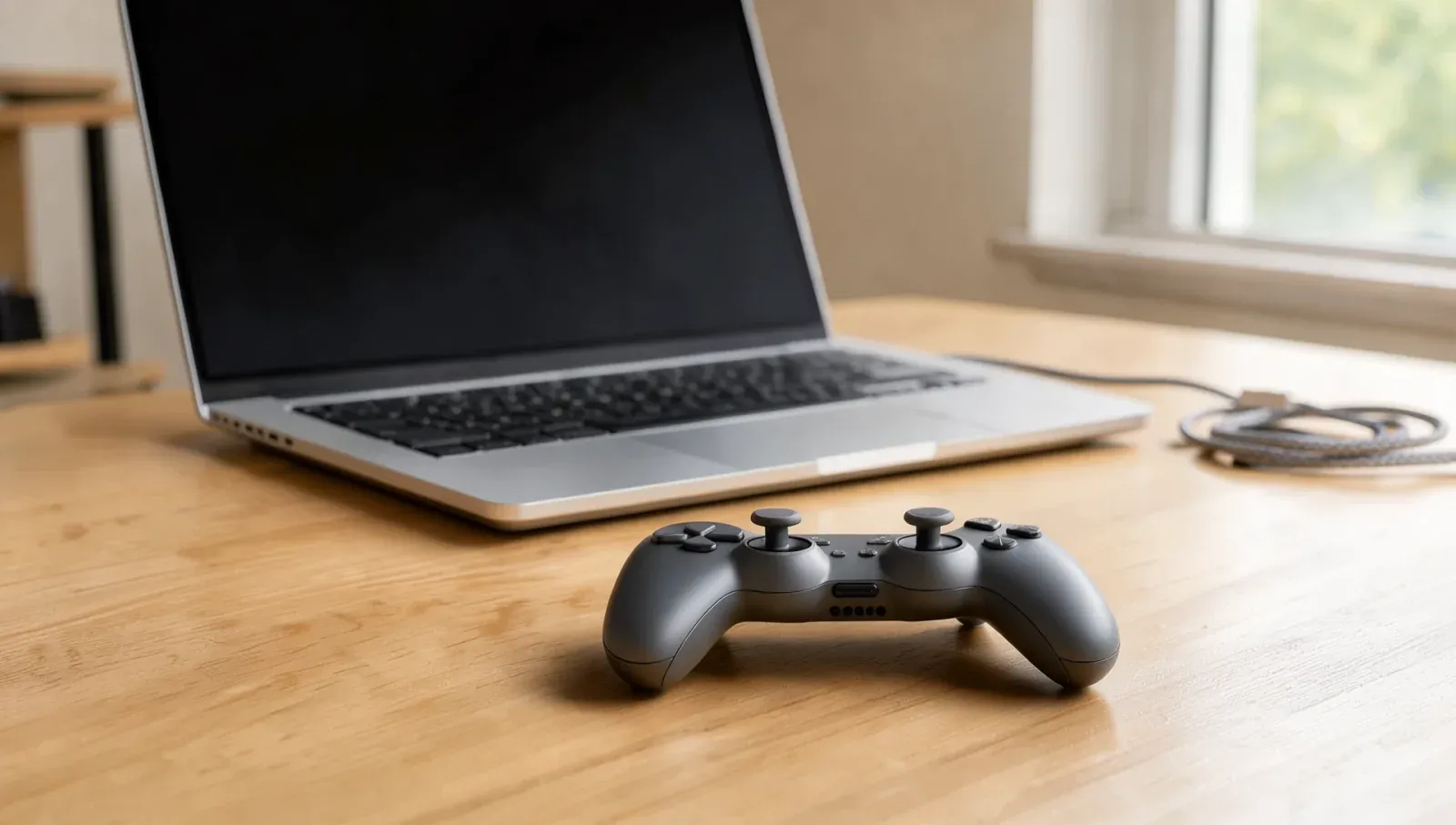
Not officially. Apple's game controller pages list Xbox and PlayStation controllers for the Mac and don't mention any Nintendo controller, Nintendo says the Switch 2 Pro Controller is "only for use with the Nintendo Switch 2 system", and Valve's Steam client notes don't list macOS support for it. So there is no supported way to use it on a Mac today. Anything that does work is unofficial. Below is what each one's pages say, what that means for Bluetooth and USB-C, and the controllers Apple does support.
Does Apple support the Switch 2 Pro Controller on Mac?
No, it isn't on Apple's lists. Apple's support article on connecting a wireless game controller covers "a wireless Xbox, PlayStation, or other Bluetooth game controller" on iPhone, iPad, Apple TV, Mac and Apple Vision Pro. It links two detailed pages, one for PlayStation and one for Xbox controllers, and each has a list of supported models. Neither page, nor the general article, mentions Nintendo, the Switch 2 or the Pro Controller.
For any other Bluetooth controller, Apple gives generic steps and says they apply to "all Bluetooth game controllers that can be paired with a computer or mobile phone". It adds: "Check your controller's documentation for setup details specific to pairing with a computer or mobile phone." That's the catch for the Switch 2 Pro Controller, as Nintendo's documentation only covers pairing it with a Switch 2.
What does Nintendo say about using it on other devices?
Nintendo only supports it on the Switch 2. Its US store page and its US accessories page both say the controller is "only for use with" the Nintendo Switch 2, and Nintendo's support page adds that it "cannot be used with a Nintendo Switch console" either, meaning the original Switch.
Nintendo's specs list Bluetooth and NFC as its wireless features, and a USB-C port that the spec sheet describes as "used for charging". Pairing, according to Nintendo's support page, is done with a Switch 2: by plugging the controller into the dock or console with a USB cable, or wirelessly by holding the SYNC Button from the console's Controllers menu. Nintendo doesn't mention computers, Macs, phones or tablets.
Does Steam on Mac support the Switch 2 Pro Controller?
Valve hasn't said so. Steam's client update notes don't list macOS support for the Switch 2 Pro Controller, so there is no official word from Valve that it works with Steam on a Mac.
Can you connect it to a Mac over Bluetooth?
There's no official way. The controller has Bluetooth, and Apple's generic steps are to put a controller in pairing mode, then open System Settings, click Bluetooth, hold the pointer over the controller in the list and click Connect. But Nintendo doesn't document a pairing mode for computers, and Apple doesn't list the controller, so neither company says it will show up or work. We haven't been able to confirm either way from official pages. If it doesn't appear in your Mac's Bluetooth list, there is no official fix to try, because no one supports that connection.
Can you use it on a Mac with a USB-C cable?
Not officially either. Apple's Games app guide for Mac says you can connect "a compatible wired game controller" and should follow the instructions that came with it. Nintendo describes the Pro Controller's USB-C port as a charging port, which also pairs it with a Switch 2.
Nintendo's other new controllers are in the same position: its accessories page says the Joy-Con 2 are also only for use with the Nintendo Switch 2 system. We looked at using Joy-Con 2 on a PC in a separate guide.
Which controllers does Apple support on Mac?
Apple's support pages list these models by name:
Maker | Controllers Apple lists |
|---|---|
Sony | PS5 DualSense, DualSense Edge, DualShock 4, PlayStation Access controller |
Microsoft | Xbox Wireless Controller with Bluetooth (Model 1708), Xbox Wireless Controller Series S, Series X, Xbox Elite Wireless Controller Series 2, Xbox Adaptive Controller |
Sony (Apple Vision Pro) | PlayStation VR2 Sense controller, with visionOS 26 or later |
Apple says the DualShock 4, DualSense, DualSense Edge and Access controllers "automatically pair and connect" when plugged into an Apple device with a USB cable that supports data and charging. Xbox controllers pair over Bluetooth by holding the Connect button. On macOS Ventura 13 or later, if customization settings are available for a connected controller, you'll find it in System Settings under Game Controllers, where you can remap buttons and use Buddy Controller, which lets two controllers control the same player character.
What should Mac players use instead?
If you want a controller that Apple supports, pick one from the table above: a DualSense or a recent Xbox Wireless Controller pairs with a Mac, an iPhone, an iPad and an Apple TV. If you play mostly through Steam, Valve's own pad is another option, and we covered how the new Steam Controller works on Mac, PS5 and without Steam. Keep the Switch 2 Pro Controller for the Switch 2, which is the only system Nintendo supports it on. More on Nintendo's console in our Switch 2 hub.
FAQ
Does the Switch 2 Pro Controller work on a MacBook?
Not officially. A MacBook runs the same macOS as other Macs, and Apple's controller pages don't list the Switch 2 Pro Controller for any Apple device.
How do you connect the Switch 2 Pro Controller to a Mac?
Neither Apple nor Nintendo gives a method. Apple's generic Bluetooth steps rely on the controller maker's instructions for pairing with a computer, and Nintendo's instructions only cover pairing with a Switch 2.
Does the Switch 2 Pro Controller work with Steam on Mac?
Valve hasn't listed it. Steam's client update notes don't list macOS support for the Switch 2 Pro Controller.
Does the Switch 2 Pro Controller work on PC?
Nintendo doesn't support it on PC: it says the controller is only for use with the Nintendo Switch 2 system and doesn't mention computers. For Valve's console, see which controllers work with the Steam Machine.
Does the Switch 2 Pro Controller work on an iPad, iPhone or Apple TV?
Not officially. The same Apple pages cover iPhone, iPad and Apple TV, and they list only Xbox and PlayStation models by name.
Does the Switch 2 Pro Controller work on the original Switch?
No. Nintendo's support page says it "cannot be used with a Nintendo Switch console".
Does the Switch 2 Pro Controller work on Android?
Nintendo doesn't support it: it says the controller is only for use with the Nintendo Switch 2 and doesn't mention phones or tablets.
Does the original Switch Pro Controller work on Mac?
Apple doesn't list it either: its controller pages name only Xbox and PlayStation models.
When did the Switch 2 Pro Controller come out?
On 5 June 2025, according to Nintendo's US store page.
Source: Apple Support, Nintendo