Gemini on Mac Can Now Use Your Computer: What It Does, Who Gets It
Computer use in the Gemini app for Mac clicks, types and fills forms across your files, apps and the web in a background window. It's US and English only.
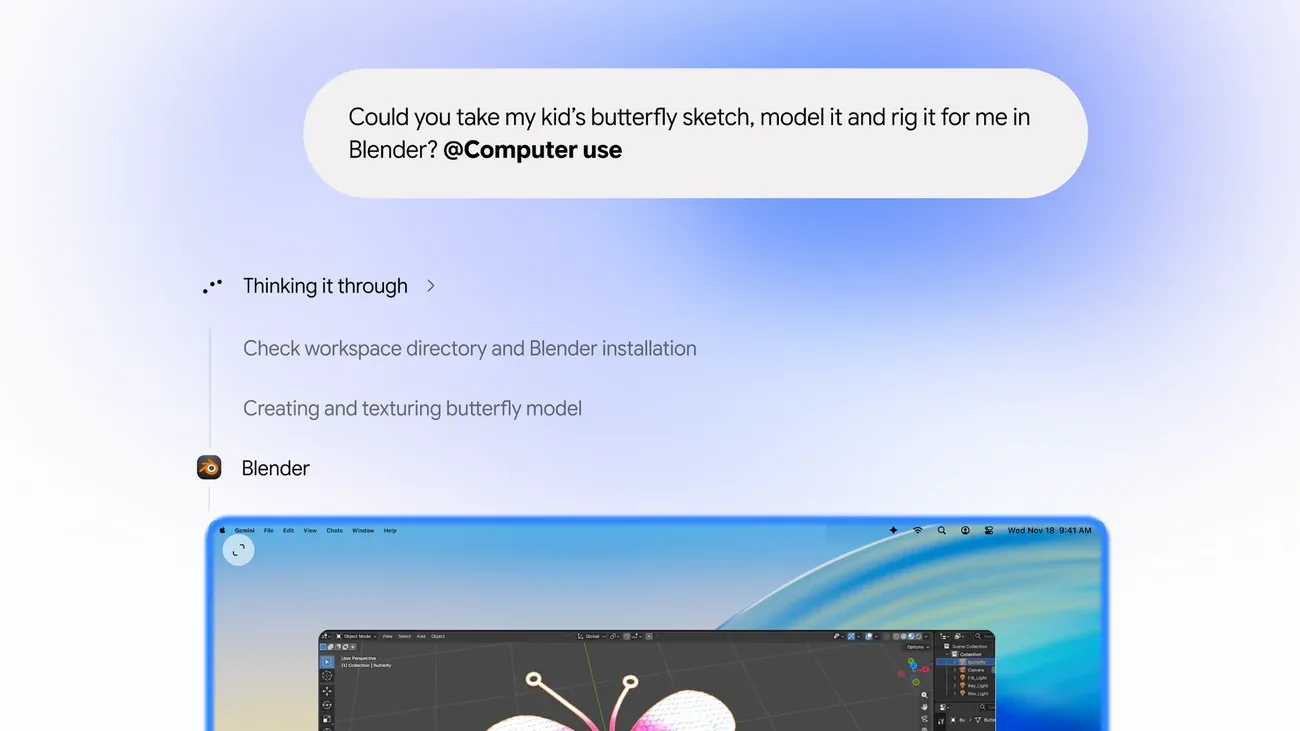 Image: Google
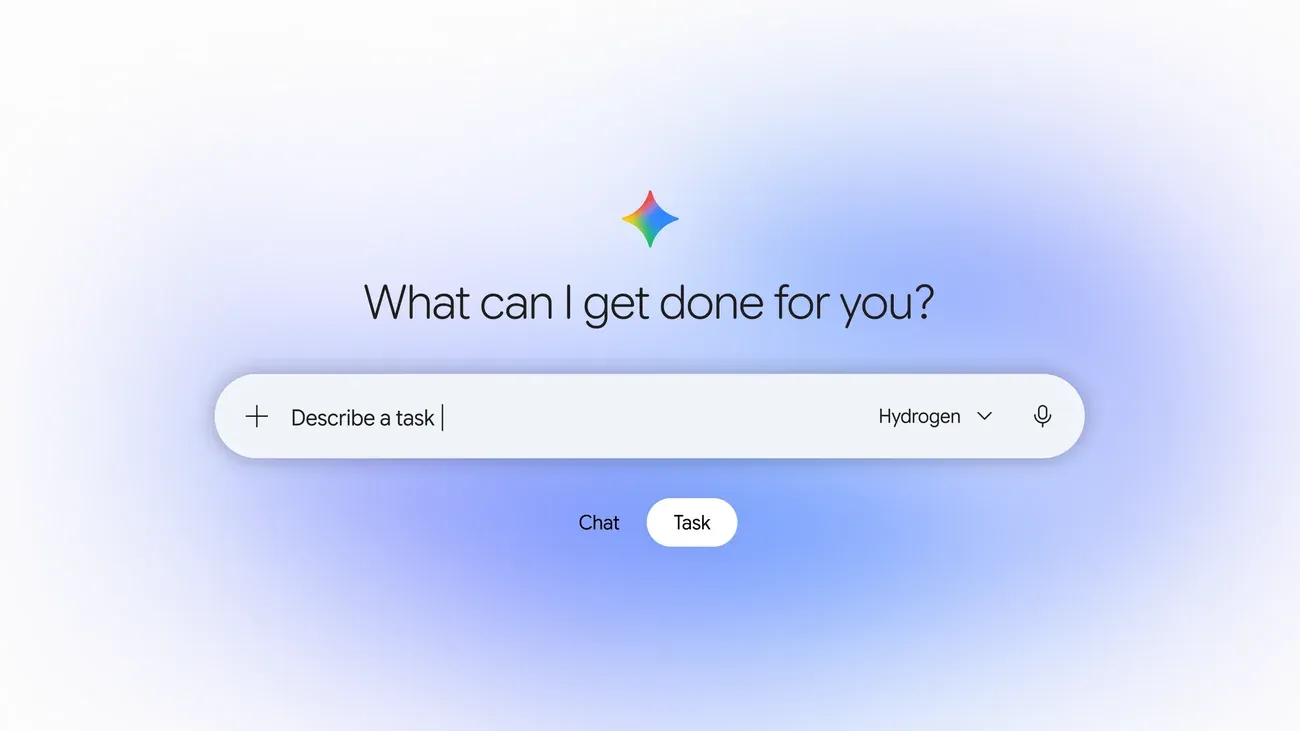
Google has added computer use to the Gemini app for Mac. Starting 19 November, you can describe a multi-step task and Gemini carries it out across your local files, desktop apps and the web, doing the clicking, typing, menus and forms itself. It's rolling out in English in the US.
How computer use works on Mac
Gemini works in an isolated background window, with a live preview of what it's doing inside your chat. Your main screen and cursor stay free, so you can keep typing, designing or taking a call while it works.
Google lists these controls:
- You choose which apps Gemini can access.
- You watch every step live in the preview.
- You can pause at any time.
- You approve key actions before they happen.
What you can ask it to do
Google's examples:
- Creative work: batch colour-grade photos in your design software, or set up complex 3D scenes.
- Form filling: pull weights, dimensions and addresses from local PDFs to fill in multi-box shipping quotes.
- Presentations: collect metrics and screenshots from live dashboards for several regions and build a deck in Google Slides.
- Selling online: analyse clothing photos in a local folder, research prices, log item details and stage listings on resale sites.
Who can use it
Computer use is rolling out in English in the US, in the Gemini app for Mac, which you can download from Google's Gemini for Mac page. Google's post says it's for Google AI Plus, Pro and Ultra subscribers on personal accounts aged 18 and over, and needs an Apple Silicon Mac running macOS Sequoia 15.0 or later. It doesn't say when it reaches other countries or languages, or whether a Windows version is planned.
For tasks that run in the cloud rather than on your computer, see how to hand a task to Gemini with Gemini Tasks. Google's newest model this week is Gemini 4 Neon.
Source: Google