Google AI Mode Can Now Use Your Wallet and Drive: How to Turn It On
Google Search's AI Mode can now use Google Wallet, with Drive and the Gemini app next. What it can see, how to connect apps and how to turn it off.
 Image: Google
Google is letting AI Mode in Search draw on more of your Google apps. Starting today you can opt in to connect Google Wallet to Personal Intelligence, and Google Drive and the Gemini app follow in the coming weeks. They join Gmail, Calendar and Photos, which could already feed AI Mode personal context.
What each new connection does
- Google Wallet: AI Mode, and the Gemini app, can look at your spending to map out financial goals, suggest ways to trim everyday costs and help you get the most from the cards linked in Wallet, such as cash-back categories, travel perks and reward points. Google says AI Mode can only read your account information. It can't move, manage or invest your money.
- Google Drive: AI Mode can take your docs, sheets and PDFs into account, for example to build a preparation plan before tax season.
- Gemini app: context will flow both ways between the Gemini app and AI Mode, so an idea you explored in Gemini gives Search a starting point, and vice versa. You could already connect your Search history to Gemini. Soon you'll be able to connect Gemini to AI Mode too.
How to connect apps to AI Mode
- Open Search Personalization.
- Select Connected Apps.
- Choose the apps you want to connect.
It's opt-in, and you can switch each connection on or off at any time. Google says a "Personalization" icon will soon appear under tailored answers, showing which context AI Mode used. To correct something, just tell AI Mode in the thread, for example "I'm no longer a vegetarian."
More personal AI Overviews
Separately, AI Overviews and AI Mode will start using your recent searches as context. If you've been planning a trip, a new search can pick up where you left off without repeating yourself. You can adjust or turn off personalization in your Search settings.
Who gets it?
Today's post doesn't list countries. Personal Intelligence in AI Mode has been available to everyone in the US since March, including free accounts, and Google said then that it works with personal Google accounts, not Workspace business, enterprise or education accounts. Google hasn't said when the Wallet and Drive connections reach other countries.
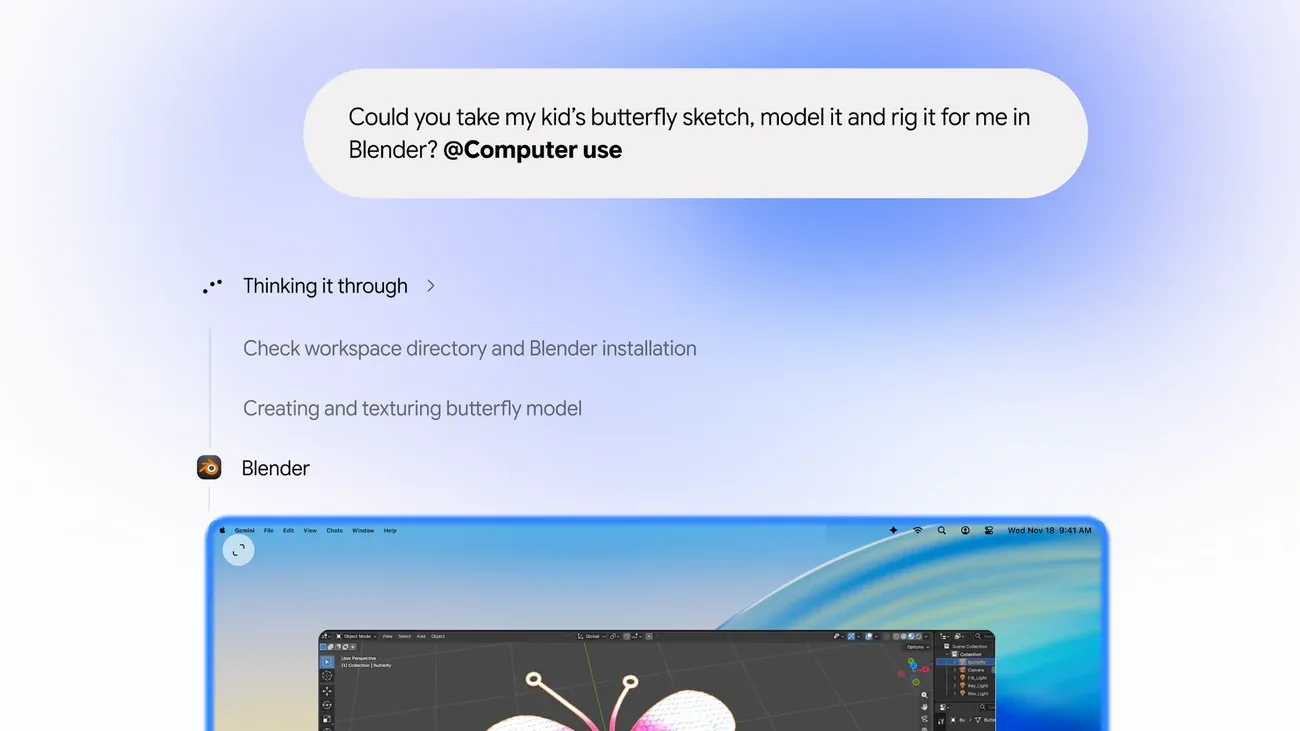
Gemini is moving onto your desktop too: on Mac, Gemini can now use your computer to click and type through multi-step tasks, and for jobs that run in the cloud, see how to hand a task to Gemini with Gemini Tasks.
Source: Google, Google (March)