NVIDIA App Automatic Shader Compilation: Should You Turn It On or Off?
What NVIDIA's Automatic Shader Compilation does, when it's worth switching on, where the setting is and what it won't fix, from NVIDIA's own notes.
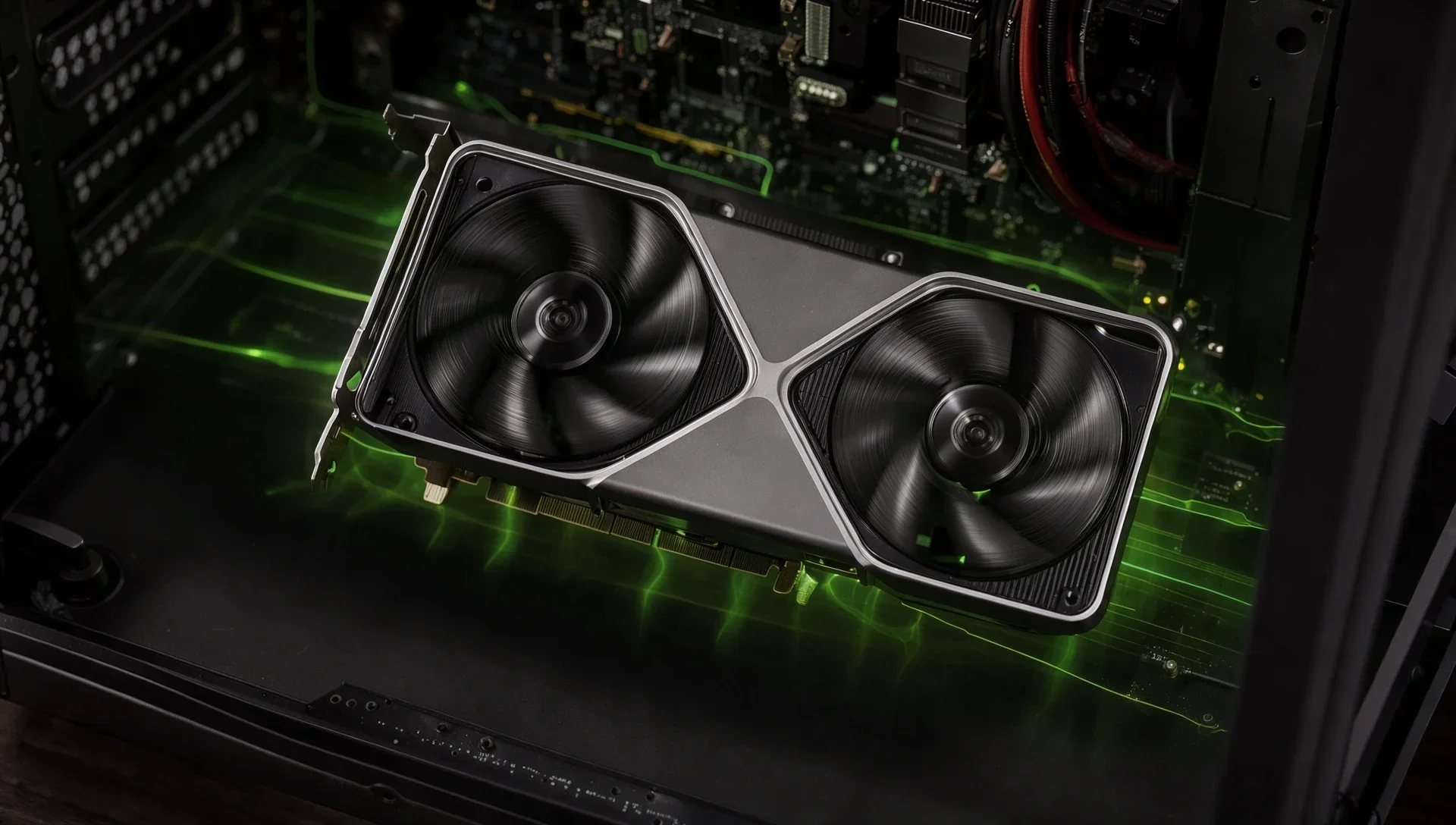
Turn Automatic Shader Compilation on if you play DirectX 12 games, install GeForce driver updates regularly and leave your PC idle between sessions. Otherwise leave it off, which is how it ships. NVIDIA added this beta feature to the NVIDIA App on 31 March to cut how often you meet the "Compiling Shaders" progress bar after a driver update. NVIDIA hasn't published figures for how much time it saves, and neither HWCooling nor Notebookcheck reported any measurements, so the benefit is unproven.
What is Automatic Shader Compilation?
It's a background job that rebuilds your games' DirectX 12 shaders after a driver update. Shaders have to be translated into code your GPU can run, and NVIDIA says modern games need tens of thousands of these translations, repeated after game patches or GPU driver updates. Normally that happens in the game, either behind a progress bar or as stutter while you play. Automatic Shader Compilation does the rebuild while the PC is idle, "reducing the frequency of game runtime compilation after driver updates", as NVIDIA puts it.
Should Automatic Shader Compilation be on or off?
It's worth turning on if:
- you play DirectX 12 games with long shader builds
- you install new GeForce drivers often
- your PC sits unused for a while between the update and your next session
Leave it off if:
- you usually install a driver right before playing, a case where HWCooling says it won't help much
- you mostly play older games, since NVIDIA only names DirectX 12
- you don't want extra CPU load and fan noise in the background
Where is the setting in the NVIDIA App?
Open the Graphics tab, go to Global Settings and then Shader Cache. NVIDIA says the feature needs GeForce Game Ready Driver 595.97 WHQL or newer. HWCooling reports the option as Precompile Shaders on that screen, so look for either name. To turn it off, go back to the same place.
What does Compile Now do?
It starts the rebuild straight away instead of waiting for the PC to go idle. NVIDIA puts the option under the three dots on the Shader Cache screen, which is handy if you've just updated and want to play later that day.
Does it help with a game you've just installed?
No. NVIDIA says that after downloading a game for the first time, you still have to generate its shaders in the game. The feature only updates those shaders after a later driver update.
Does it help after a game patch?
NVIDIA doesn't say it does. It mentions that game patches also force shaders to compile again, but it only describes Automatic Shader Compilation working after driver updates.
Does it work with DirectX 11 or Vulkan?
NVIDIA only mentions DirectX 12 and says nothing about other graphics APIs, so don't count on it for those games.
Will it slow down your PC?
NVIDIA doesn't give any numbers. HWCooling warns that shader compilation is multithreaded, so CPU fans can get noticeably louder, and that you can set how much system load it may use. Notebookcheck says that level defaults to medium, so that background tasks aren't slowed down.
Is it still in beta?
Yes, as far as NVIDIA's own notes show. The release highlights list it as "Automatic Shader Compilation (Beta)" under NVIDIA App 11.0.7, and no later entry changes that. NVIDIA calls it "the first step" in improving shader compilation for GeForce players and takes feedback through the form at the top right of the app.