Can You Use PS VR2 on a Mac? What Sony, Valve and Apple Say
No: PS VR2 works on PS5 and Windows PCs only. Why the PC adapter, SteamVR and Mac ports rule macOS out, and where the Sense controllers do work on Apple.
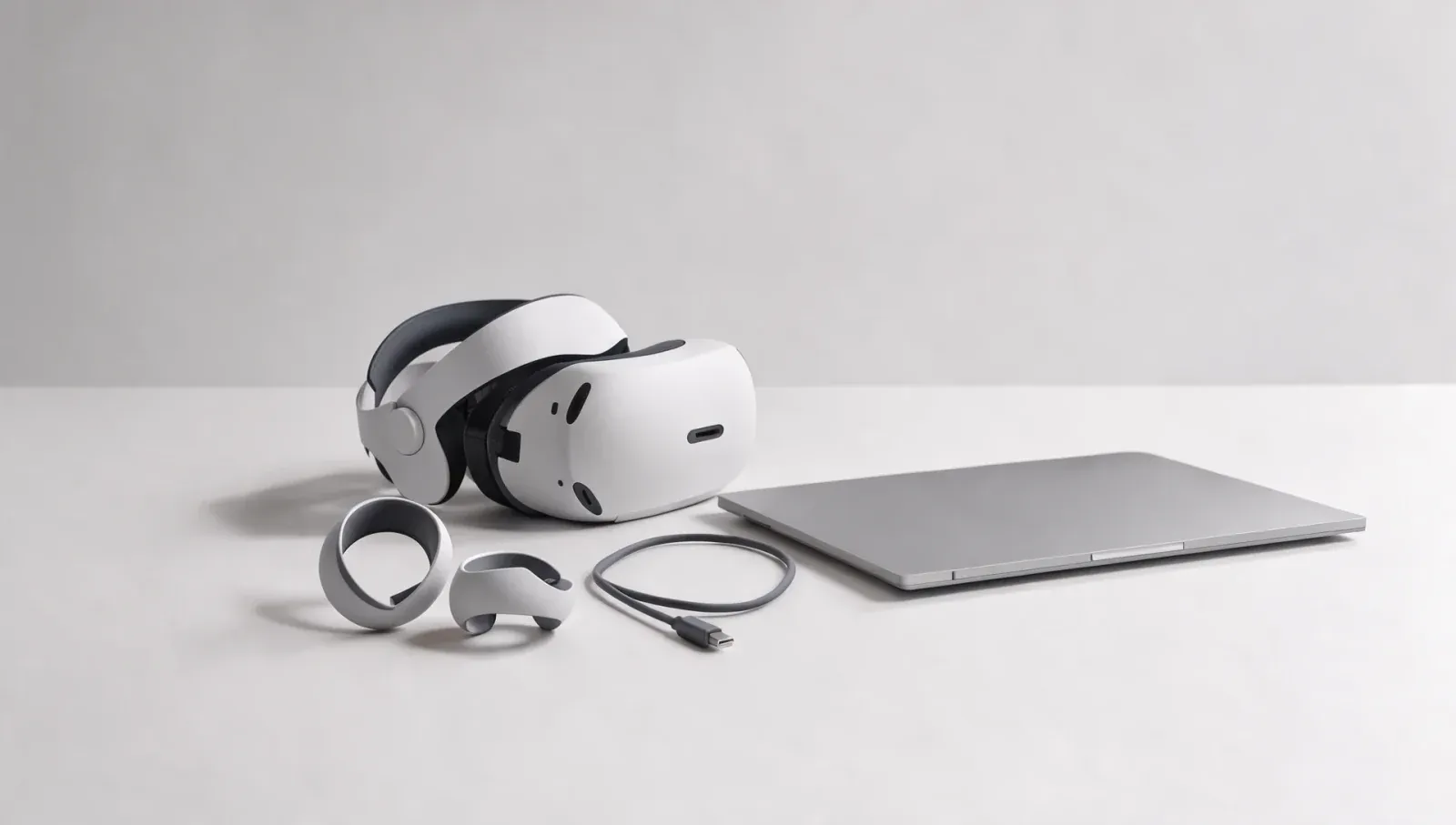
No, you can't use PS VR2 on a Mac. Sony supports the headset on two kinds of machine only: a PS5 console, and a Windows 10 or Windows 11 PC connected through the PlayStation VR2 PC adapter. macOS is not on the list, the PlayStation VR2 App that the headset needs on a computer is Windows-only, and Valve stopped supporting SteamVR on macOS in 2020. The ports are a problem too: Sony says the adapter does not work with DisplayPort over USB-C, which is how Apple's current Mac mini outputs DisplayPort. Below is what each company's own pages say, the routes Mac owners ask about (Boot Camp, Parallels, adapters), and the one Apple device that does work with the PS VR2 Sense controllers.
Does PS VR2 work on a Mac?
No. PlayStation Support lists two ways to use PS VR2. On consoles, "PS VR2 is compatible with PlayStation 5 consoles". On computers, Sony's page on preparing a PC for PS VR2 describes using it with "a Windows PC" and lists only two operating systems: Windows 10 64-bit and Windows 11 64-bit. There is no macOS version of any of the software, and Sony has never announced one.
What does PS VR2 need on a computer?
Sony's minimum requirements for PS VR2 on PC are:
Part | What Sony requires |
|---|---|
Operating system | Windows 10 64-bit or Windows 11 64-bit |
Processor | Intel Core i5 7600 or AMD Ryzen 3 3100 (Zen 2 or later) |
Memory | 8 GB RAM or more |
Graphics card | NVIDIA GeForce GTX 1650 or later (Turing or later), NVIDIA RTX series, AMD Radeon RX 5500XT or later, or AMD Radeon RX 6500XT or later |
Video output | DisplayPort 1.4, from a dedicated Mini DisplayPort or standard DisplayPort port |
USB | USB 3.0, with the adapter plugged straight into the PC |
Bluetooth | Bluetooth 4.0 or later |
On top of that you need the PlayStation VR2 PC adapter, a DisplayPort 1.4 cable (sold separately) and three free apps: Steam, SteamVR and the PlayStation VR2 App. For the best performance, Sony recommends an NVIDIA GeForce RTX 3060 or AMD Radeon RX 6600XT or better.
When Sony announced the adapter on the PlayStation Blog in June 2024, it gave an estimated retail price of $59.99, €59.99 or £49.99. It went on sale worldwide on 7 August 2024.
Why doesn't PS VR2 work on a Mac?
There are three separate blockers, and each one is enough on its own.
1. The software is Windows-only. The PlayStation VR2 App on Steam, which Sony says you use to set up the headset, change the play area and update the firmware, lists Windows 10/11 as its only platform. There is no Mac build.
2. SteamVR left the Mac in 2020. PS VR2 on a computer plays the VR games available on Steam through SteamVR. Valve posted on 1 May 2020 that "SteamVR has ended macOS support so our team can focus on Windows and Linux". The SteamVR store page today lists Windows as its platform.
3. Macs don't have the right port. Sony's footnote is specific: the graphics card "must have a dedicated Mini DisplayPort or standard DisplayPort output port. DisplayPort over USB Type-C is not compatible with your PlayStation VR2 PC adapter." Its troubleshooting page adds that PS VR2 does not support HDMI-to-DisplayPort or USB Type-C-to-DisplayPort conversion adapters either. Apple's own spec page for the current Mac mini shows why that matters: its DisplayPort output runs through its Thunderbolt (USB-C) ports, and its only other video port is HDMI.
There is a fourth point for Apple silicon Macs: Sony's list names NVIDIA and AMD graphics cards, while M-series Macs use the GPU built into Apple's chip.
Can you use Boot Camp to run PS VR2 on a Mac?
Not on a modern Mac. Apple's Boot Camp only exists for Macs with an Intel processor; Apple's support page lists models up to 2020 and specifically excludes the M1 MacBook Air and MacBook Pro. On an older Intel Mac running Windows through Boot Camp, the hardware still has to meet Sony's list, including a supported graphics card with its own DisplayPort or Mini DisplayPort output. Neither Sony nor Apple lists any Mac as tested with PS VR2.
What about Parallels or another virtual machine?
Not according to Sony's requirements. They describe a Windows PC with one of the listed NVIDIA or AMD graphics cards, the headset's DisplayPort cable plugged directly into that card and the adapter plugged directly into a USB port, with no hub or extension. Sony's pages make no mention of virtual machines, and a Windows virtual machine on a Mac doesn't give you that card or that port.
Can you use the PS VR2 Sense controllers with Apple devices?
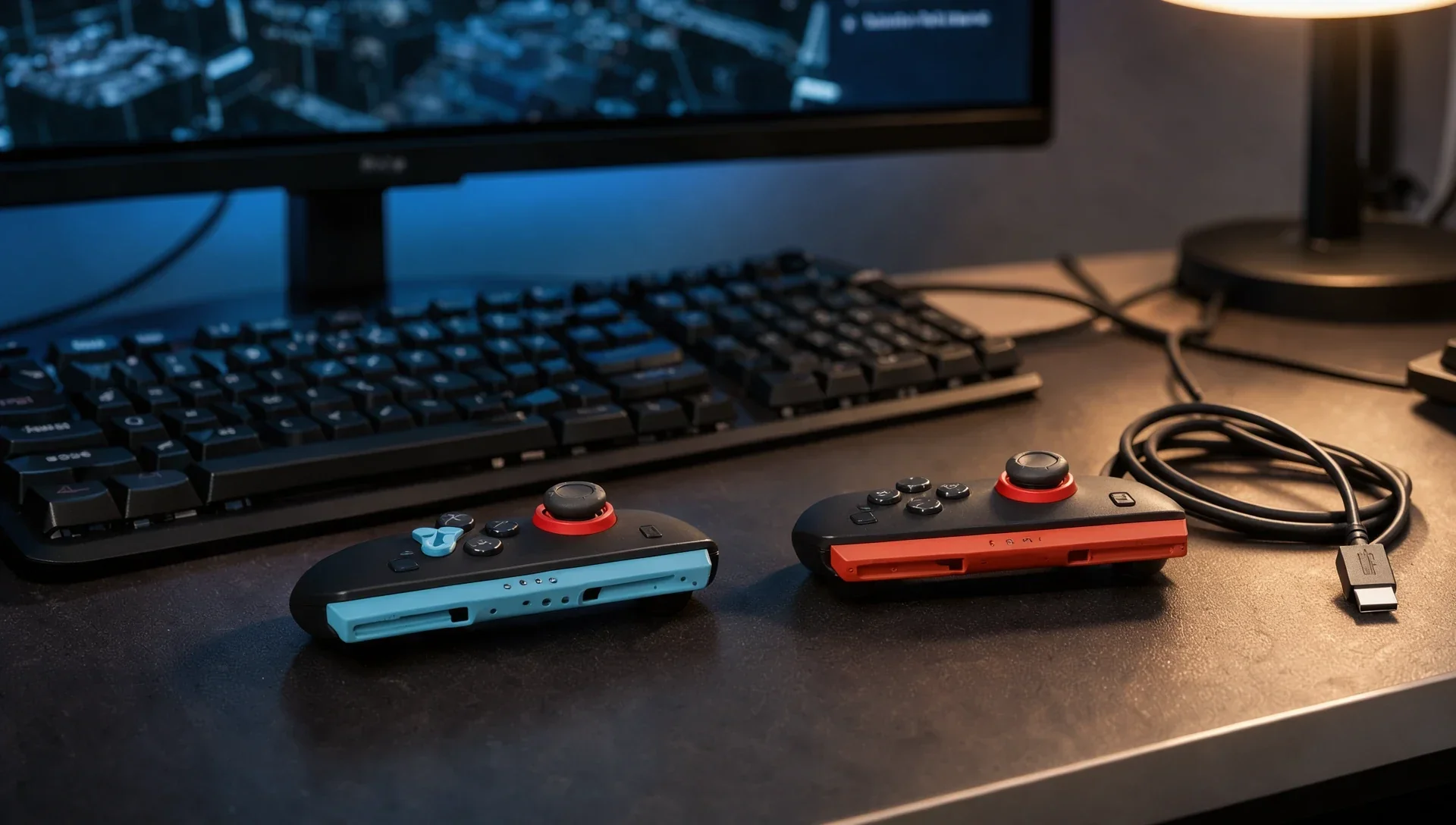
Yes, but only with Apple Vision Pro, not with a Mac. Apple's support page on PlayStation controllers lists the "PlayStation VR2 Sense controller (compatible with Apple Vision Pro using visionOS 26 or later)". Apple's Vision Pro user guide says you can use them to "navigate Apple Vision Pro apps and experiences", with a caveat: "Not all apps are compatible with spatial accessories."
To pair them, Apple says you pair each controller on its own:
- On the left controller, hold the PlayStation button and the Create button until the pairing light on the bottom blinks.
- On the right controller, hold the PlayStation button and the Options button until the light blinks.
- On Apple Vision Pro, open Settings, tap Bluetooth and tap each controller.
Battery levels and controller settings are under Settings, General, Game Controller. When Apple announced support in October 2025, it said the PlayStation VR2 Sense controller and Controller Charging Station would cost $249.95 on its US online store. This is the controllers only: the PS VR2 headset itself does not connect to Vision Pro.
That is a change from Sony's own line: PlayStation Support still says the Sense controller "is compatible only with PS5 consoles" and "only with PS VR2 headsets", though Sony's PC pages show them working on Windows too.
Is PS VR2 on PC the same as on PS5?
No. Even on a supported Windows PC, Sony lists features that don't work: HDR output, Sense controller haptic feedback (you get basic vibration instead), adaptive triggers, headset feedback and eye tracking. On PC you play the VR games on Steam, not PS VR2 games from PlayStation Store, and the headset doesn't switch to see-through view automatically when you step outside the play area. If you are deciding between PC VR headsets instead, our Steam Frame vs Bigscreen Beyond 2 comparison covers two that are built for PC from the start.
FAQ
Does the PS VR2 PC adapter work on a Mac?
No. The adapter is only supported on Windows 10 and 11 PCs, it needs a graphics card with a dedicated DisplayPort or Mini DisplayPort output, and Sony says DisplayPort over USB-C is not compatible.
Does PS VR2 work on a MacBook Pro or MacBook Air?
No, and that includes recent M-series models. MacBooks run macOS, which has no PS VR2 App or current SteamVR, and they use the GPU built into Apple's chip rather than one of the NVIDIA or AMD cards on Sony's list.
Does PS VR2 work on a Mac mini?
No. The Mac mini has the same software problem, and Apple's spec page shows its DisplayPort output runs over Thunderbolt (USB-C), with HDMI as the only other video port. Sony supports neither route.
Can I use a USB-C to DisplayPort adapter?
No. Sony's troubleshooting page says PS VR2 does not support USB Type-C-to-DisplayPort or HDMI-to-DisplayPort conversion adapters.
Can I use an eGPU with my Mac for PS VR2?
Not on an Apple silicon Mac: Apple says an eGPU needs a Mac with an Intel processor. Even on an Intel Mac, PS VR2 would need Windows through Boot Camp, and Apple says eGPUs are not supported in Windows using Boot Camp. Sony has never listed a Mac setup as supported.
Can I use PS VR2 on PC without the adapter?
No. Sony lists the PlayStation VR2 PC adapter as required hardware, along with a DisplayPort 1.4 cable.
Does PS VR2 work on Linux?
Sony doesn't support it. The requirements list Windows 10 and 11 only, and the PlayStation VR2 App on Steam is Windows-only.
Can I use my DualSense on a Mac instead?
Yes. Sony lists macOS Big Sur 11.3 or later as supported for the DualSense over Bluetooth and USB. Some features are missing: haptic feedback, the built-in microphone and the speaker are not compatible with Mac, and the headset jack needs a wired connection.
Does PS VR2 work on PS4?
No. Sony says PS VR2 is not compatible with PS4 consoles, and it can't play original PS VR games either.
More PS5 and PS VR2 questions answered in our PlayStation guides.
Source: PlayStation Support: PS VR2 on PC requirements, Apple Support: PlayStation controllers on Apple devices