Does the PS5 Pulse Elite Headset Work With Switch 2?
Can you use Sony's Pulse Elite or Pulse Explore on Switch 2? Bluetooth, the 3.5mm cable, the PS Link adapter and the mic, from Sony's and Nintendo's pages.
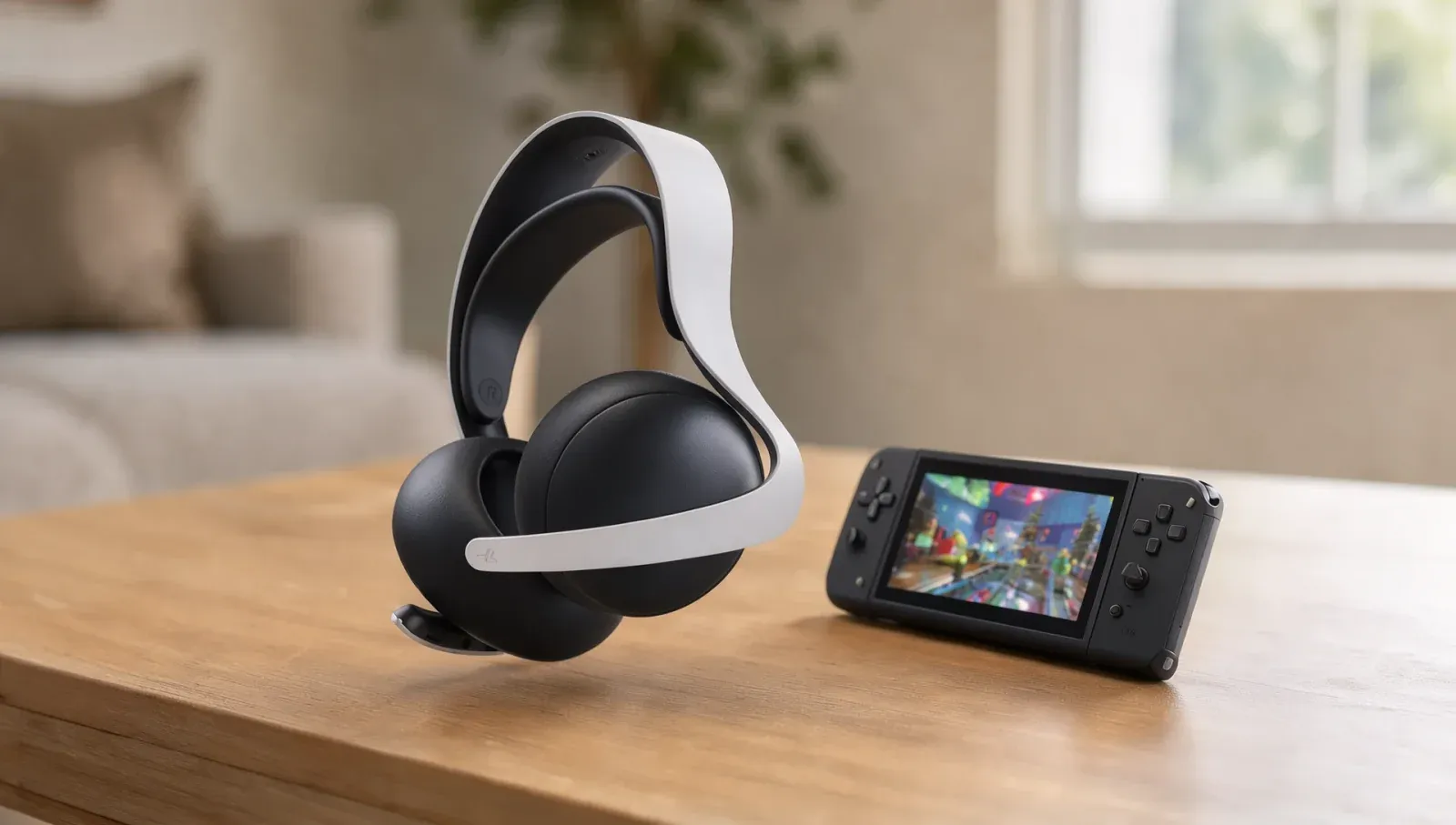
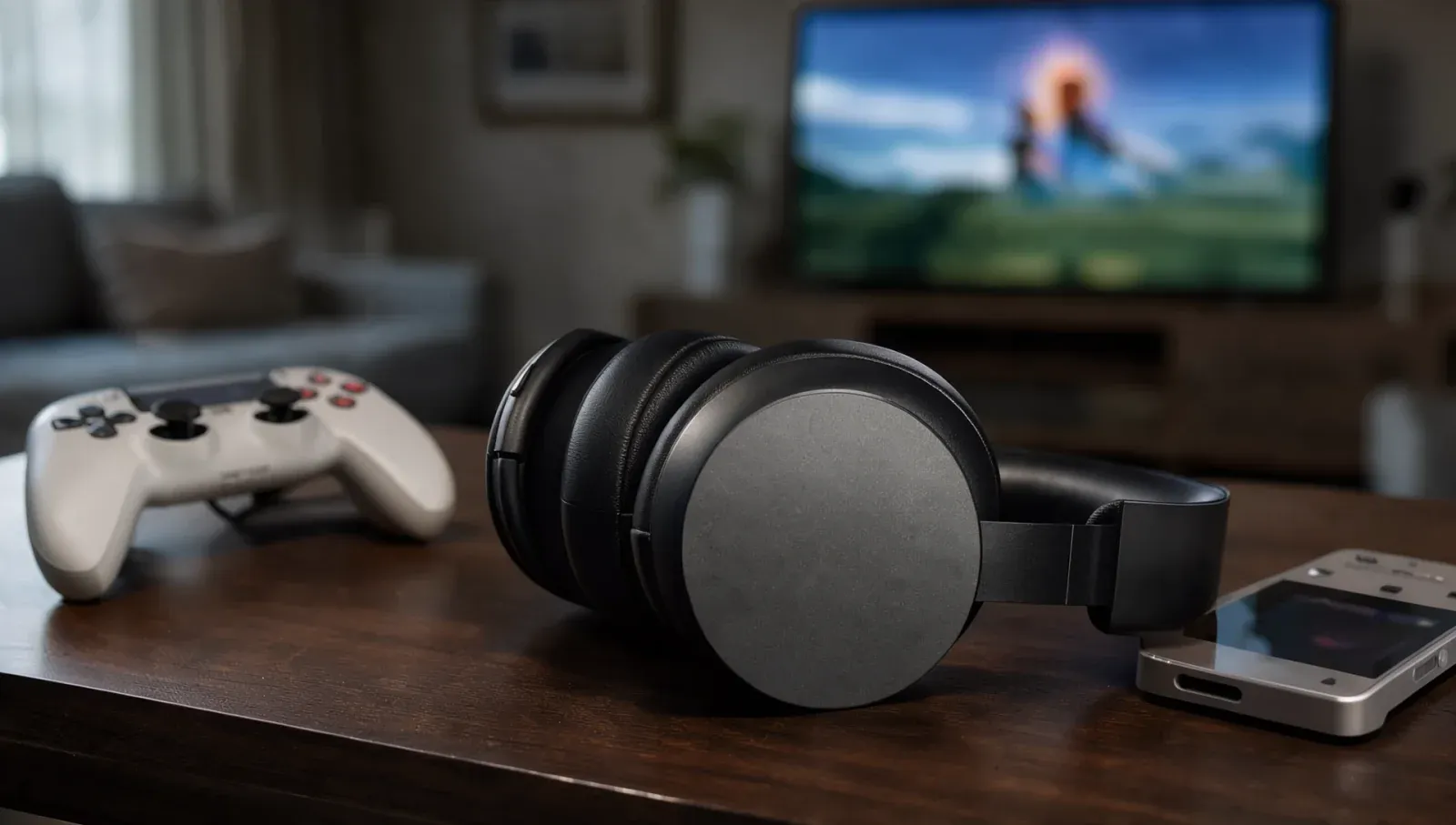
Sony built the Pulse Elite headset and Pulse Explore earbuds for the PS5, but plenty of owners have a Switch 2 too. You should be able to use the Pulse Elite with a Switch 2, either over Bluetooth for sound only or with a 3.5mm cable if you also want its microphone. Neither Sony nor Nintendo lists the pairing as tested, though, so here's what each company's own pages confirm and where they're silent.
Does the Pulse Elite connect to Switch 2 over Bluetooth?
It should, for sound only. The Pulse Elite is a Bluetooth headset, and the Switch 2 accepts Bluetooth headphones under System Settings > Bluetooth Audio > Pair Device. To put the headset into pairing mode, Sony says to hold its PS Link button for about eight seconds, until the light blinks blue quickly, then pick "PULSE Elite" from the list.
Sony describes the Bluetooth link as a way to connect "a mobile phone or tablet" and doesn't mention Nintendo, and its support pages warn that "not all devices work with your headset". Nintendo's own note is that you "may experience audio latency depending on your Bluetooth device".
Does the Pulse Elite microphone work on Switch 2 over Bluetooth?
No. Nintendo's support page says plainly that "Bluetooth microphones cannot be used" on Switch 2. Over Bluetooth, the headset's boom mic won't carry your voice in GameChat. The Switch 2 does have a built-in microphone of its own, with noise and echo cancellation, according to Nintendo's specs.
How do you use the Pulse Elite's mic on Switch 2?
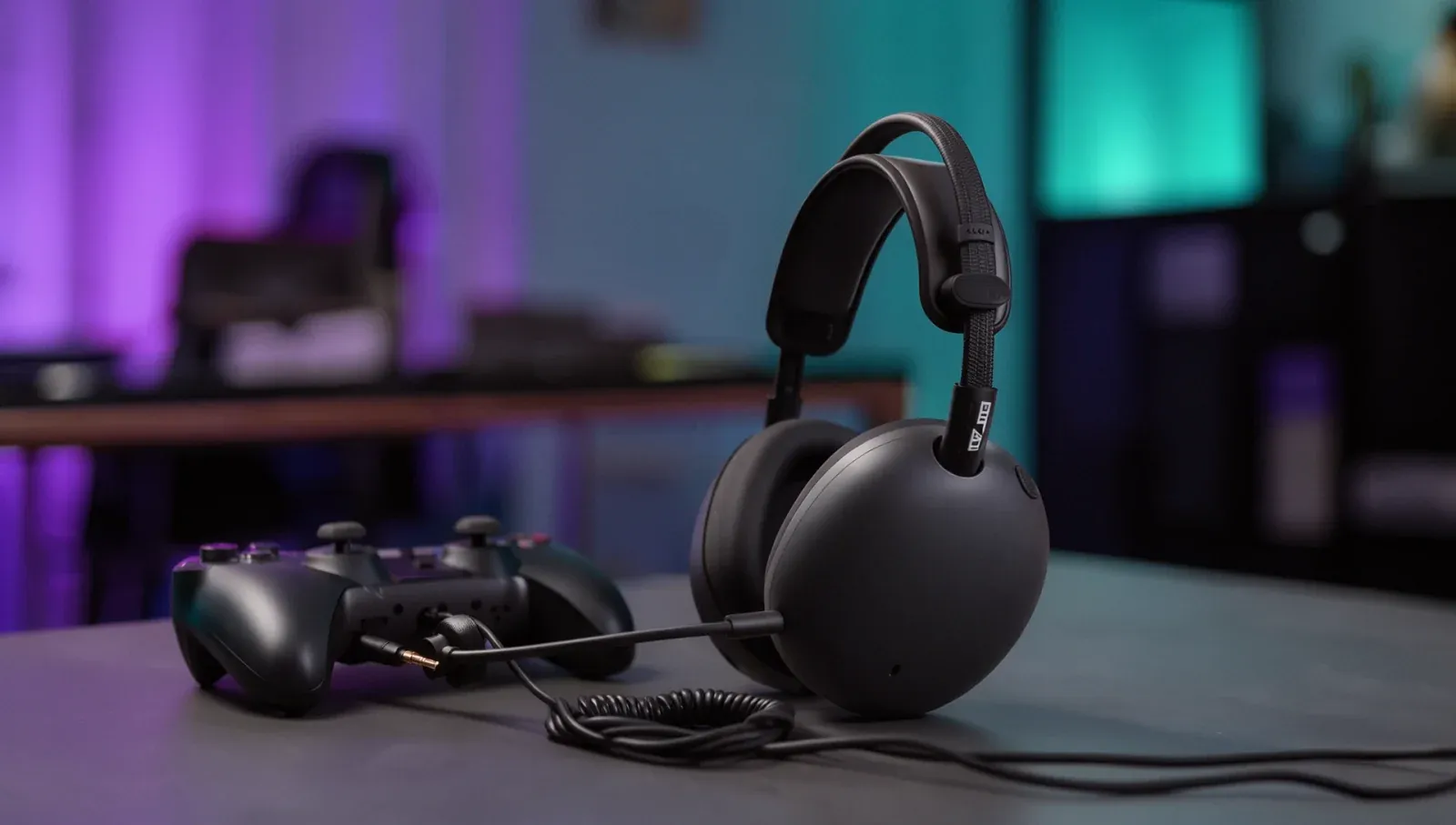
With a cable. Sony says the Pulse Elite has an audio input that takes a 3.5mm cable, which isn't included. A 4-conductor cable carries both sound and the microphone; a 3-conductor cable is for listening only. Nintendo lists a 4-contact 3.5mm jack (CTIA standard) on the Switch 2 itself and on the Switch 2 Pro Controller, though it adds that it "cannot guarantee functionality with all products".
When wired, Sony says the headset won't use its PS Link or Bluetooth connections, and you set the volume on the console.
Can you use the PlayStation Link USB adapter on Switch 2?
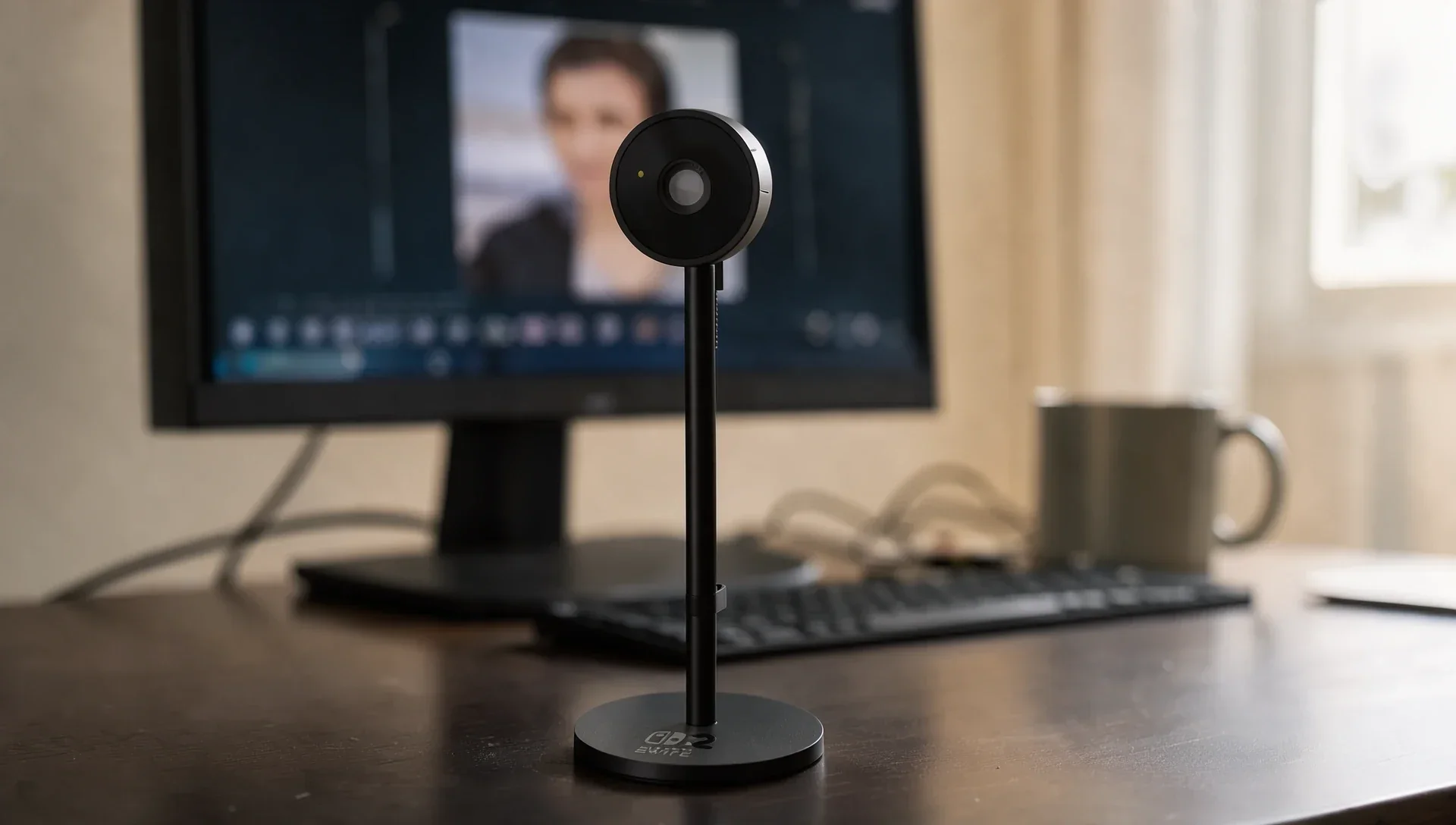
Not officially. Sony says the adapter that comes in the box is "for use with PS5 consoles, PC and Mac", and the PlayStation Portal connects to PS Link directly. Nintendo's Switch 2 pages describe the top USB-C port as being for accessories, such as the Switch 2 camera, but don't mention USB audio adapters. Neither company documents the PS Link adapter on a Switch 2, so don't count on it.
Do the Pulse Explore earbuds work with Switch 2?
For sound over Bluetooth, the same applies: Sony's pairing step is to hold the PS Link button on the charging case for about eight seconds, and Nintendo's rules still mean no microphone over Bluetooth. Sony's support page for the earbuds lists no wired connection, so there's no cable route for voice chat.
What are the Switch 2's Bluetooth audio limits?
Nintendo's support page lists them:
- Only one Bluetooth audio device can be paired at a time, and up to 10 can be saved.
- With Bluetooth audio on, only two controllers can connect wirelessly. A pair of Joy-Con 2 counts as two.
- Bluetooth audio disconnects during local wireless play, such as a local multiplayer game.
Can the Pulse Elite play your PS5 and Switch 2 at the same time?
Sony says the headset can play audio from a PS Link device and a Bluetooth device at once, and that the Bluetooth link doesn't add latency to PS Link audio. Its example is a phone alongside the PS5; it doesn't mention a Switch 2 as the Bluetooth side, so treat that combination as untested. The headset's volume buttons control only the PS Link side, so set the Switch 2's volume on the console.
Microsoft's headset has fewer options: see whether the Xbox Wireless Headset works with PS5 and Switch 2.
Sony's own INZONE headsets are a different case on Xbox: see whether the INZONE H9 II works with Xbox.