Does the Xbox Wireless Headset Work With PS5 and Switch 2?
Can you use Microsoft's Xbox Wireless Headset on a PS5 or Switch 2? What Bluetooth, USB-C and the mic can and can't do, from Microsoft, Sony and Nintendo.
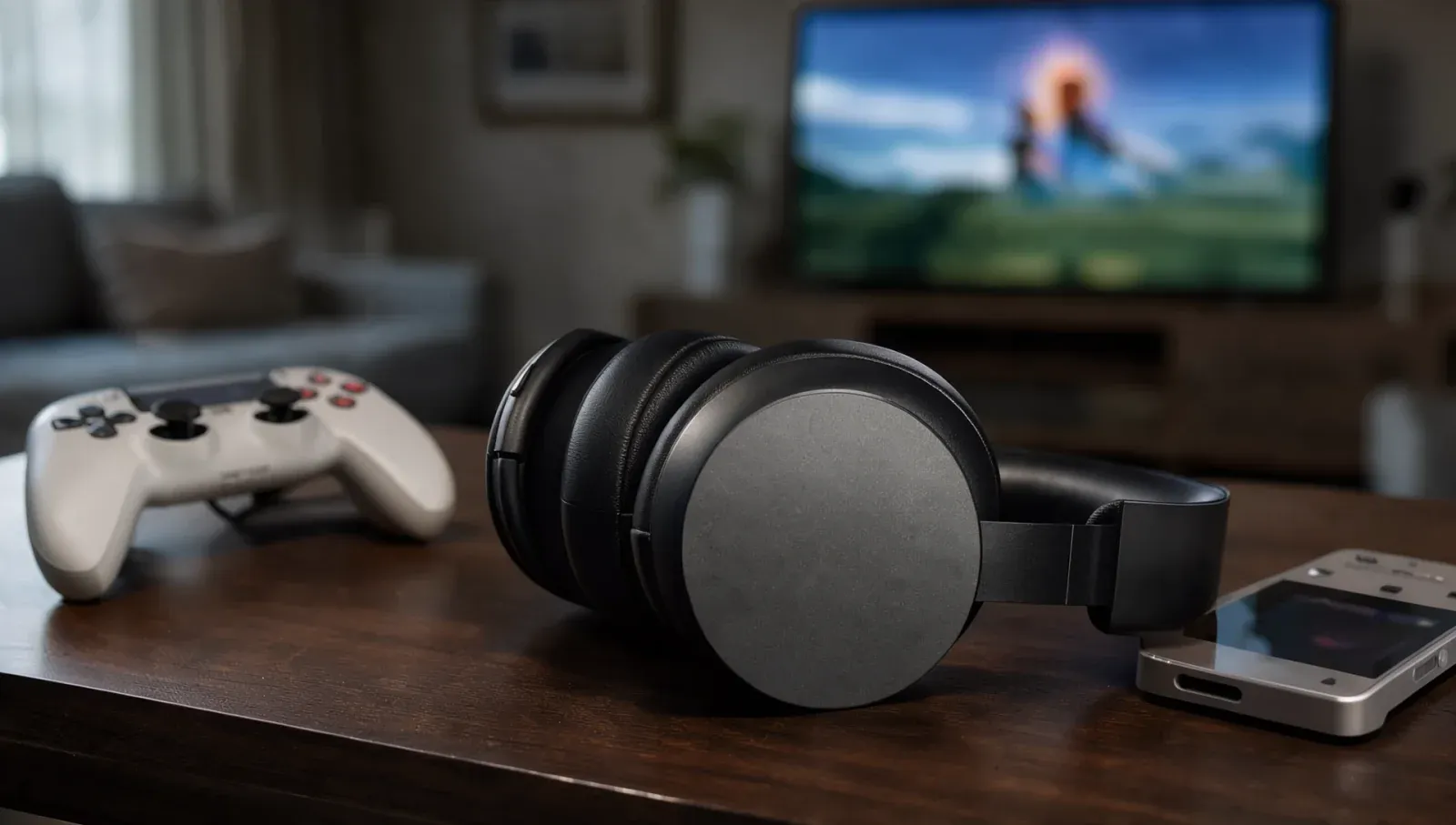
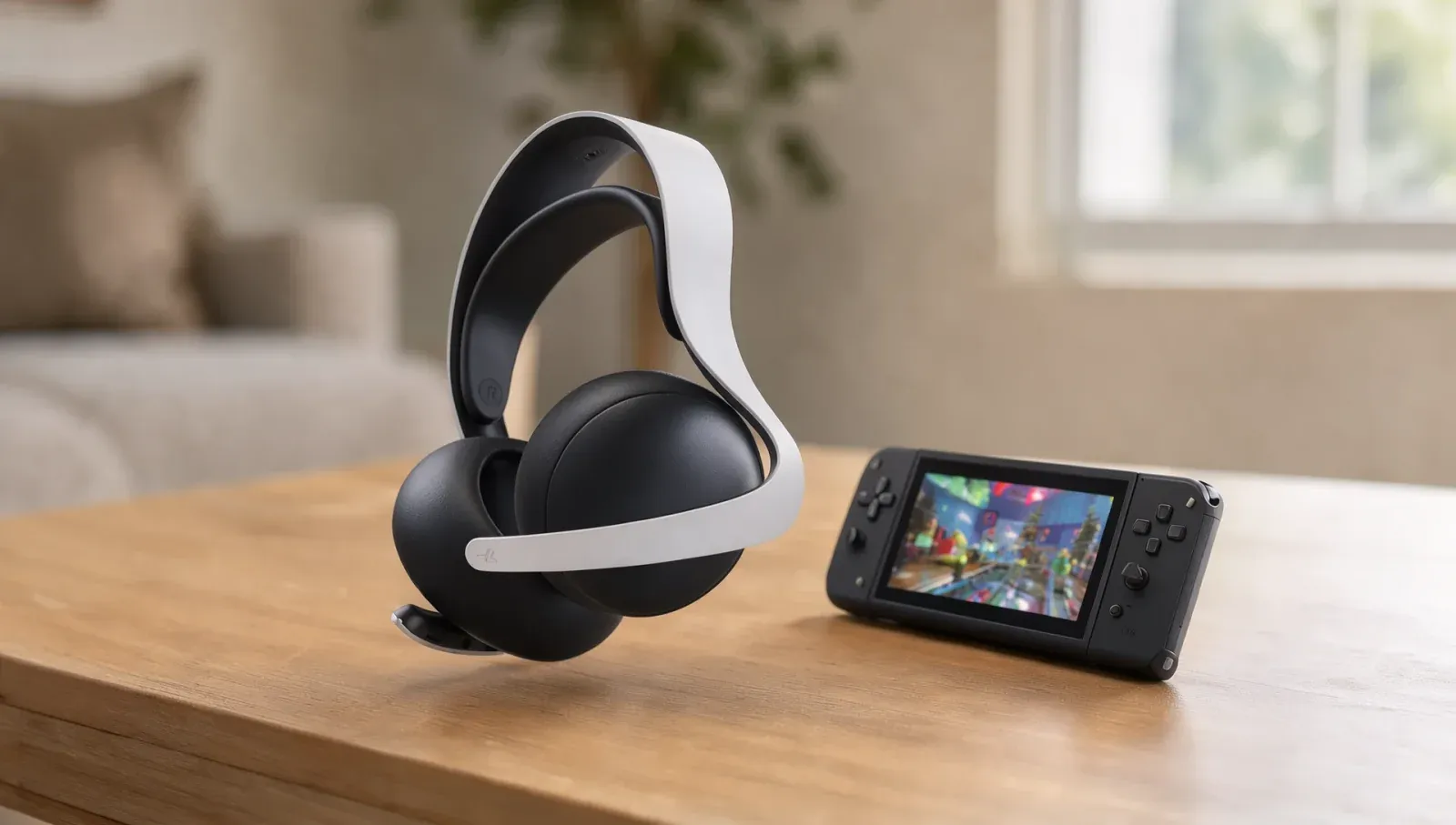
Microsoft's Xbox Wireless Headset pairs straight to an Xbox with no dongle, but a lot of Xbox owners have a PS5 or a Switch 2 next to it. The short version: on Switch 2 it should work over Bluetooth for game sound, without the microphone; on PS5 it has no supported way in. Here's what Microsoft, Sony and Nintendo's own pages say, and where they say nothing.
What does the Xbox Wireless Headset officially support?
Microsoft's product page lists Xbox Series X|S, Xbox One, Windows PCs and "mobile devices with Bluetooth". Its support page says the headset connects wirelessly to an Xbox console directly, or over Bluetooth to Windows, Android, iOS and smart TV devices. Neither page mentions PlayStation or Nintendo.
The current model, launched in October 2024 at $109.99, has Bluetooth 5.3 with the SBC codec. Microsoft's spec sheet lists Bluetooth, and a USB-C cable connection for Windows, but no 3.5mm headphone jack.
Does the Xbox Wireless Headset work on Switch 2?
For sound, it should. The Switch 2 takes Bluetooth headphones under System Settings > Bluetooth Audio > Add Device. To put the headset into pairing mode, Microsoft says to hold the green power button on the back of the left earcup for four seconds, until you hear a repeated tone and the light flashes. Then pick the headset from the Switch 2's list.
Neither Microsoft nor Nintendo lists this pairing, and Nintendo's support page warns that you "may experience audio latency depending on your Bluetooth device".
Does the mic work on Switch 2?
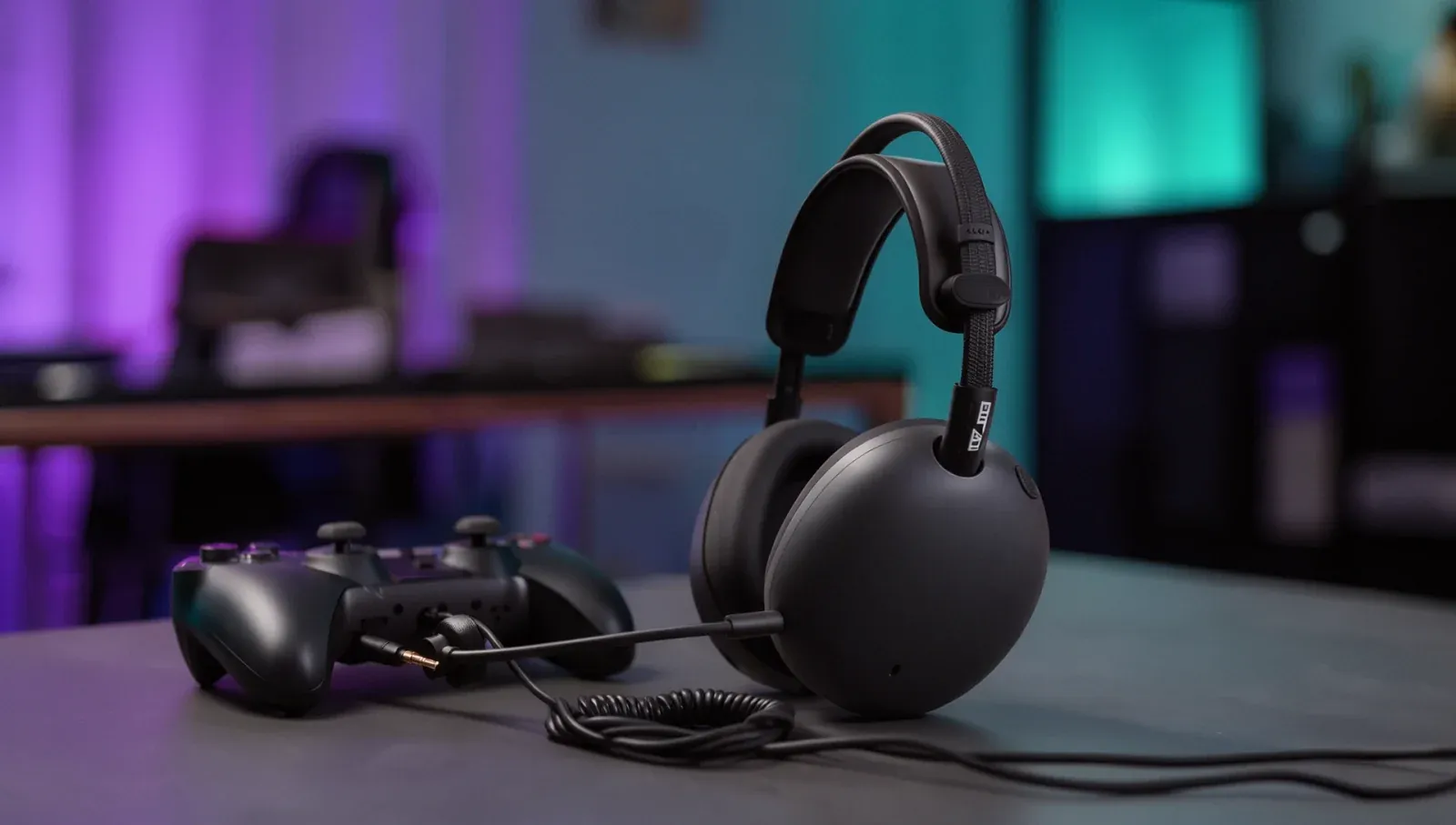
No. Nintendo's support page says "Bluetooth microphones cannot be used" on Switch 2, so the boom mic won't carry your voice in GameChat. And because the headset has no 3.5mm jack, there's no wired route for the mic either, unlike Sony's Pulse Elite on Switch 2.
What are the Switch 2's Bluetooth audio limits?
Nintendo lists them:
- Only one Bluetooth audio device at a time; up to 10 can be saved.
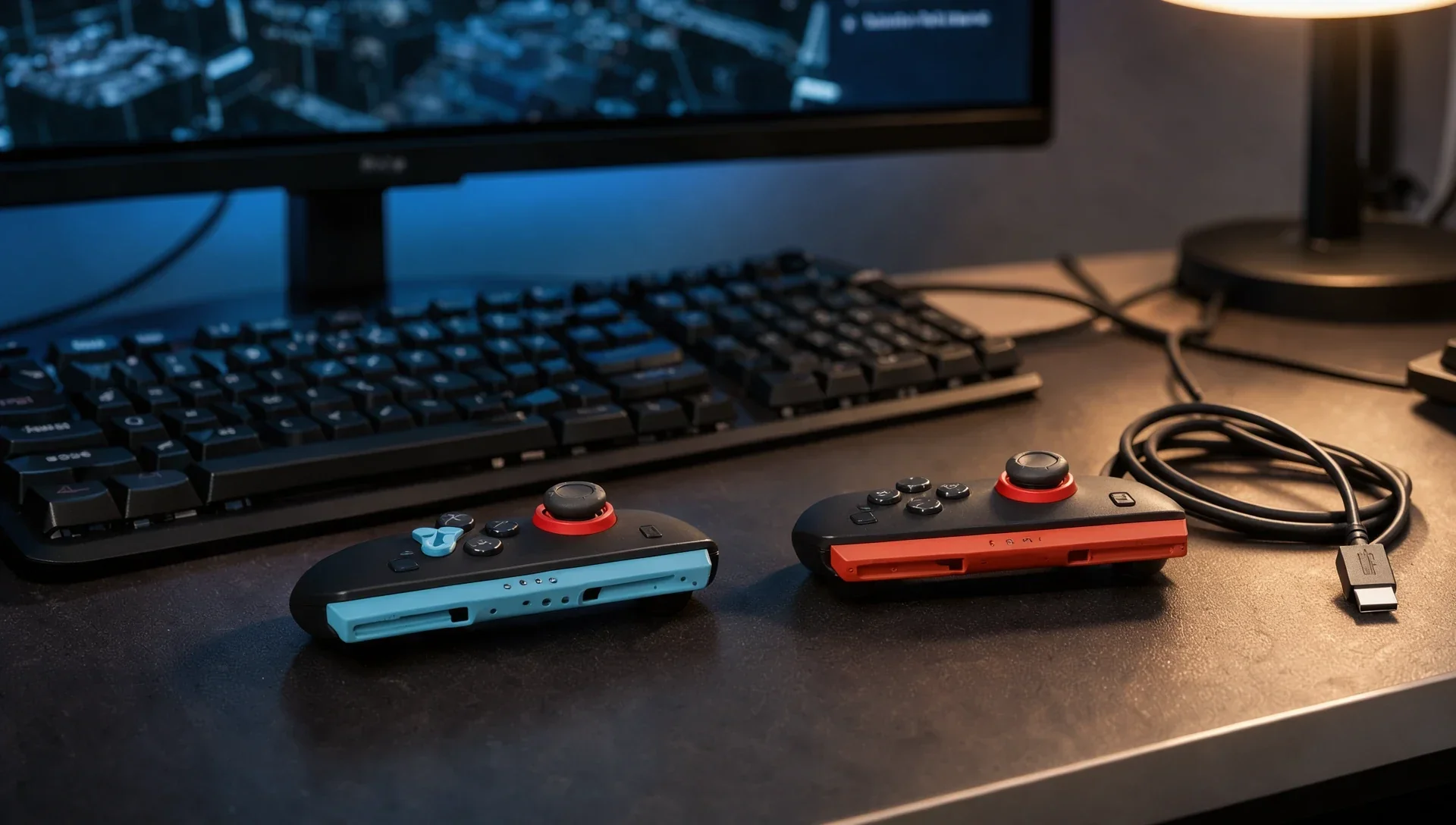
- With Bluetooth audio on, only two controllers can connect wirelessly, and a pair of Joy-Con 2 counts as two.
- Bluetooth audio disconnects during local wireless play, such as a local multiplayer game.
Does the Xbox Wireless Headset work on PS5?
Not wirelessly. Microsoft documents the headset's direct console pairing only for Xbox Series X|S and Xbox One, where it pairs the same way as an Xbox controller. Over Bluetooth, the PS5 turns audio devices away: Sony's support page for error CE-109531-9 says the Bluetooth audio device isn't compatible with PS5 consoles and suggests trying a different one.
There's no 3.5mm jack to plug into the DualSense, either. Microsoft documents the USB-C cable only for Windows 10 and 11, and neither Microsoft nor Sony says the headset works as a USB audio device on PS5, so don't count on it.
Can you pair it to an Xbox and a phone at once?
Yes. Microsoft says you can pair it to your phone and console simultaneously, for example to chat on the phone while playing on Xbox. Its example is a phone, so a Switch 2 as the Bluetooth side is untested.
Does the LE Audio update help on other consoles?
A December 2025 firmware update added Bluetooth LE Audio to the October 2024 model, which Microsoft says lowers latency and improves battery life. It requires a Windows 11 device with LE Audio support, so it doesn't change anything on a Switch 2 or PS5. The update installs through the Xbox Accessories app on an Xbox or a Windows 11 PC.
Should you buy it for a PS5 or Switch 2?
Only if Xbox is your main console. On Switch 2 it's a Bluetooth pair of headphones without a mic, and on PS5 it doesn't connect. For a headset that covers more than one console with voice chat, look for one with a 3.5mm cable or a USB dongle that the maker lists for each system.