Steam Machine HDMI-CEC Not Working or Messing With Your TV? What's Known and What to Try
Steam Machine HDMI-CEC problems: TV not waking, other devices losing CEC, TV turning on by itself. What Valve has said, and the workarounds owners report.
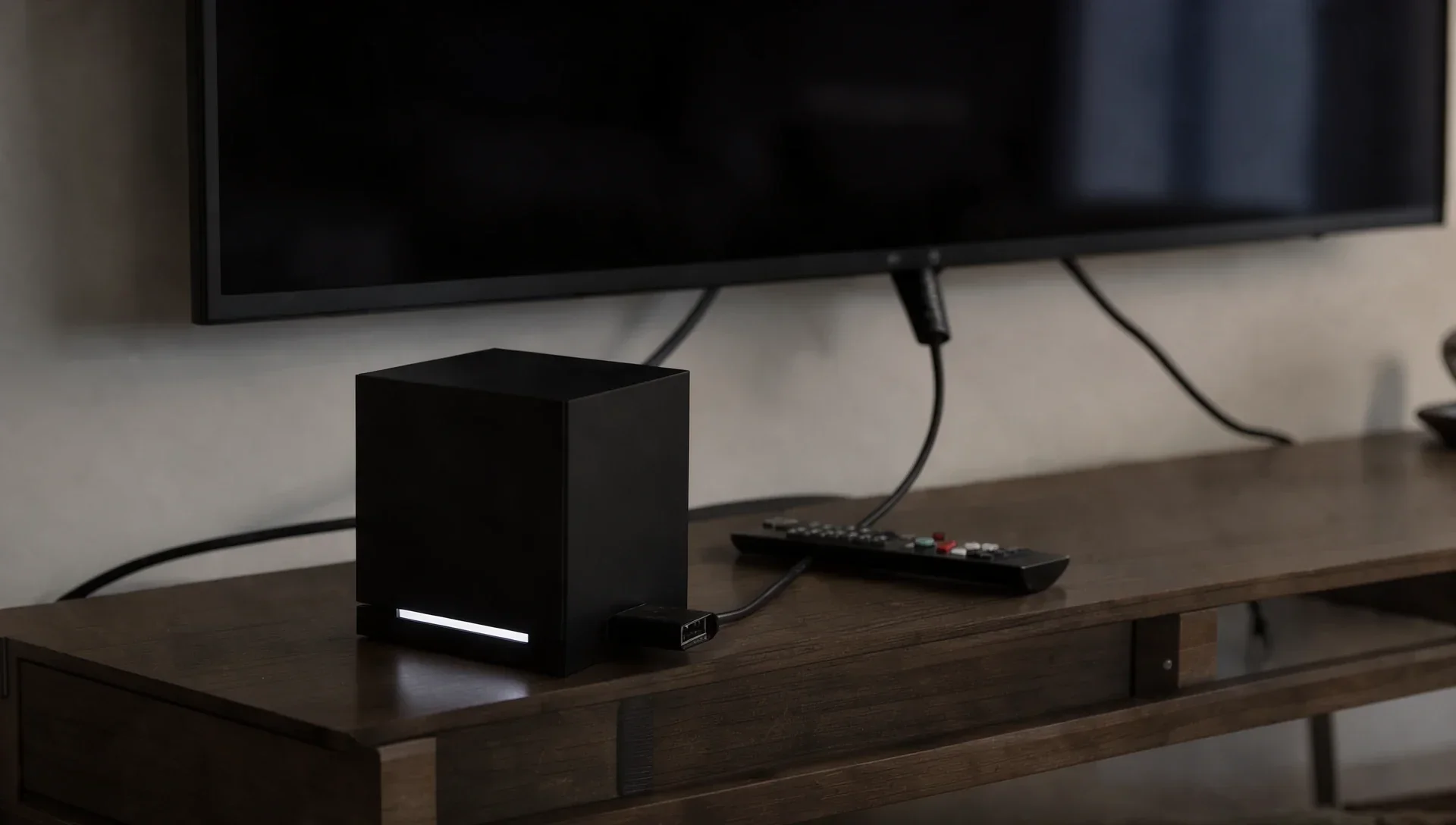
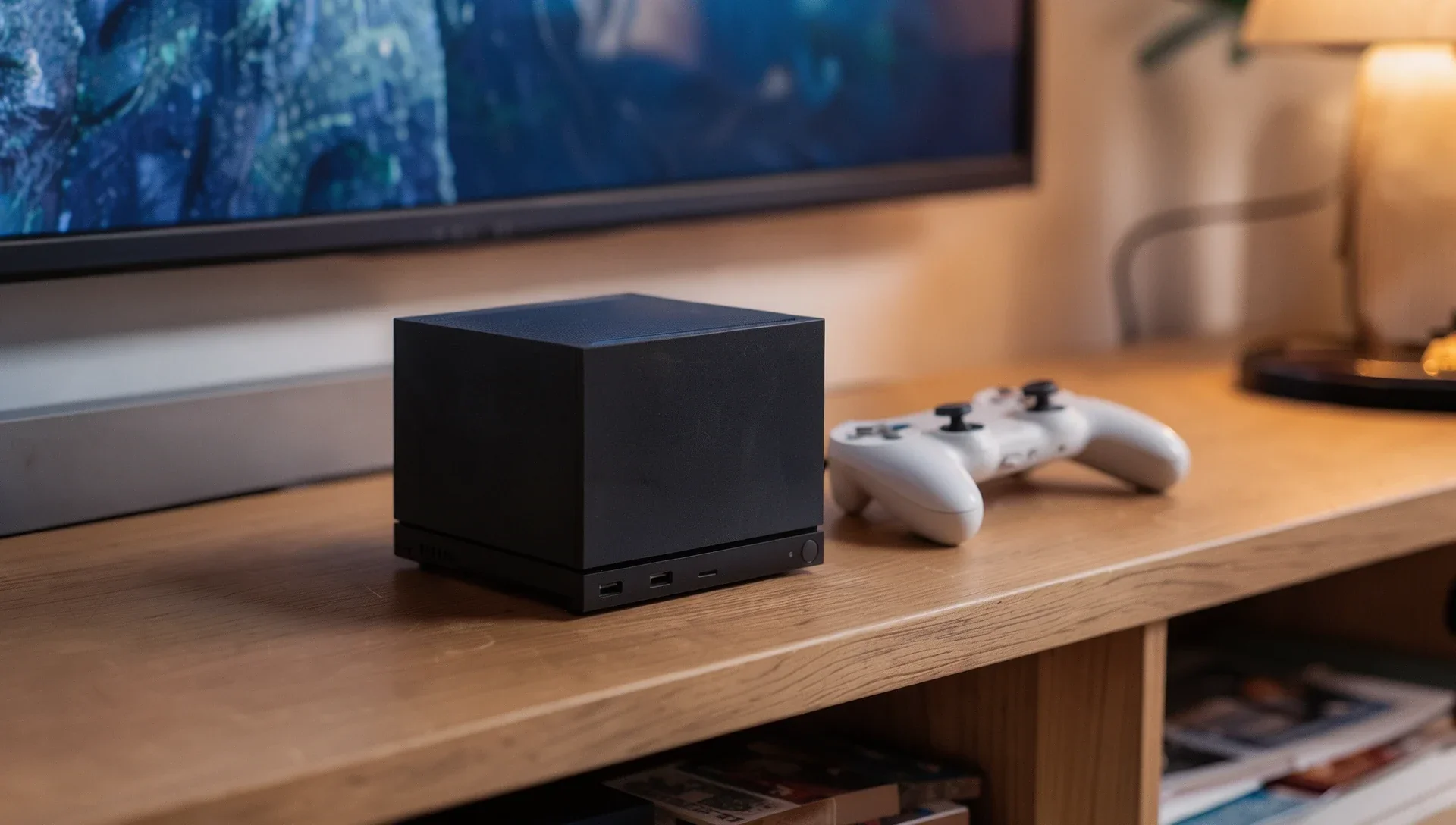
The Steam Machine's HDMI port supports CEC, the feature that lets a TV and its connected devices switch each other on and off. Owners report it failing in several different ways, and Valve has not published a fix or an explanation. As of 9 November, the main bug reports on Valve's SteamOS tracker on GitHub were still open with no reply from Valve.
Does the Steam Machine have HDMI-CEC?
Yes. Valve's tech specs say the HDMI 2.0 port "Supports HDR, FreeSync, and CEC". The Steam client update of 13 October added one CEC feature: "Pressing the controller's system button will request the TV to switch to the Steam Machine as the active source (the connected TV must support HDMI CEC)".
That is the only mention of CEC in Valve's SteamOS and Steam client notes from June to today, and we found no Steam Support page on it.
Why isn't HDMI-CEC working on my Steam Machine?
Valve hasn't said. In a long thread on its Steam Machine bug reports forum, started on 3 July, owners with LG, Samsung and Sony TVs describe the same pattern:
- The TV often turns on when the machine wakes from sleep, but not reliably after a full shutdown.
- Turning the TV off frequently fails.
- Volume control is detected but doesn't work for most of them.
Several say an Apple TV, Nvidia Shield or Chromecast works fine on the same television.
Does the Steam Machine break HDMI-CEC for other devices?
That is the most serious open report. Issue 2817 on Valve's tracker, opened on 16 September, says that when the Steam Machine powers on, "it stops CEC working for every other device connected to the TV", including wake and volume control. Only power-cycling everything clears it, and turning off every CEC option in Steam's Power and Audio settings didn't help.
MIXED counted three owners with the problem on 20 October. One replaced a Samsung TV with a TCL model, saw it disappear and suspects Samsung's CEC, but nothing proves that yet. On 8 November the original reporter added that it happens when HDMI is connected during a full boot, but not when the cable goes in after the boot finishes. That is one owner's test.
Why does my TV keep turning on?
Issue 2951 reports that the Steam Machine tells the TV to wake after every resume from sleep, even with the setting to wake the TV turned off. That is the reporter's reading of the system, not something Valve has confirmed.
Can HDMI-CEC wake the Steam Machine from sleep?
Owners say so: issue 2626 describes a machine waking seconds after sleep with Anynet+, Samsung's name for CEC, switched on. See our guide to the Steam Machine waking up from sleep.
Can you turn off HDMI-CEC on the Steam Machine?
Partly. Owners find the options in the Power and Audio sections of Steam's settings, including one to turn off the TV when going to sleep, but as above, switching them all off didn't solve every case. Turning off CEC on the TV stopped the unwanted waking for the owner in issue 2626, at the cost of losing CEC features altogether.
What can you try?
None of this comes from Valve, so results vary:
- Update SteamOS and the Steam client first, under Settings > System.
- Turn off CEC on other devices in the chain. On 1 November one owner found a Chromecast with Google TV was the culprit.
- Plug in the HDMI cable after the machine has booted, the 8 November test above.
- Try the SteamOS Beta channel (Settings > System > System Update Channel). In August two forum users said it fixed CEC, and another said it didn't.
- Use a CEC-blocking HDMI adapter. Owners in issue 2817 say it stops the machine disturbing other devices, but it also blocks useful CEC features, such as waking the TV.
Valve hasn't said when, or whether, a fix is coming.