Steam Machine Desktop Mode Black Screen or No Signal: What Valve Fixed and What to Try
Steam Machine black or no signal in Desktop Mode? What Valve fixed in SteamOS 3.8.28, the open Sony TV bug, and what owners say brings the picture back.
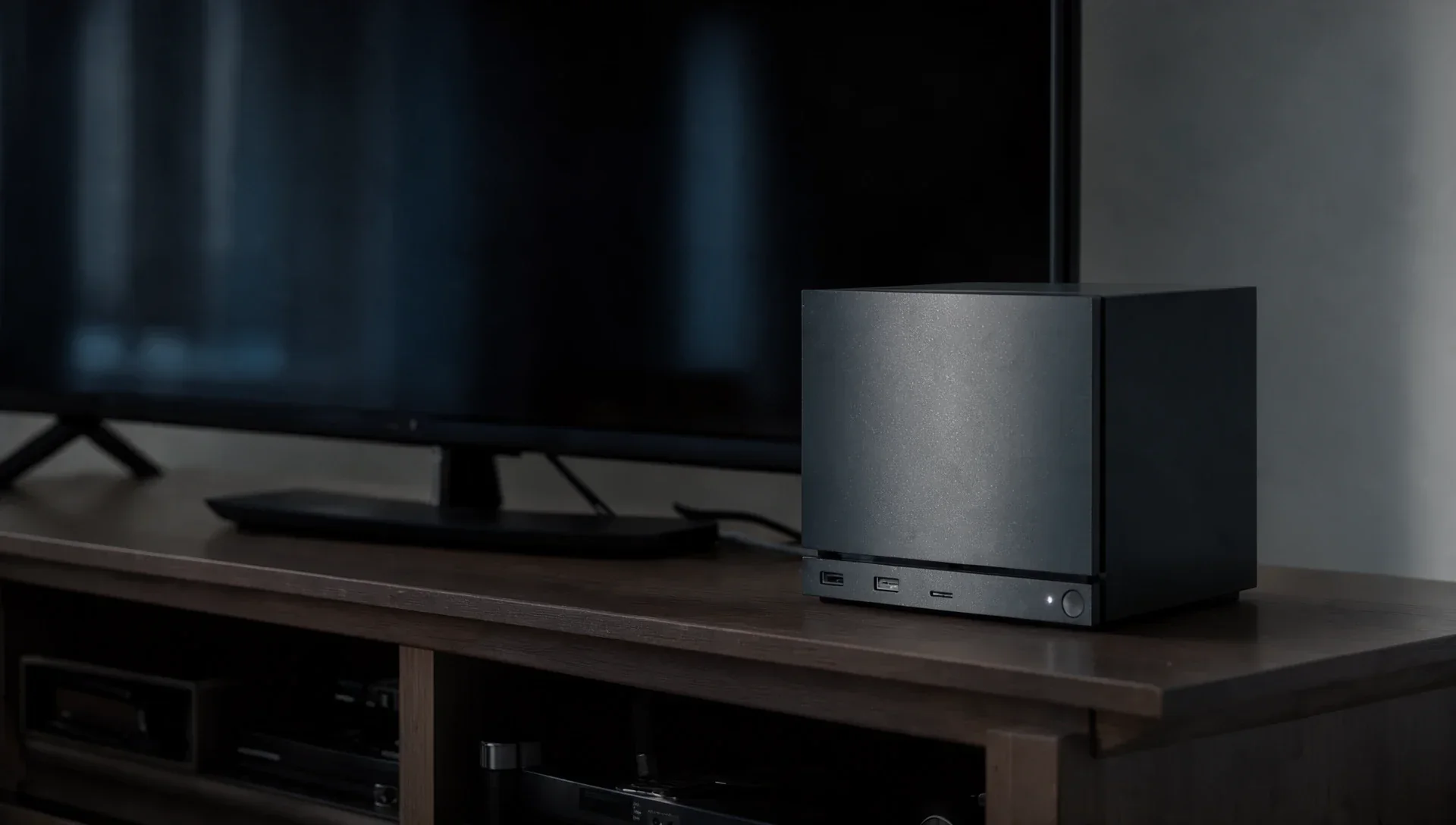
If your TV goes black or shows "no signal" when the Steam Machine switches to Desktop Mode, update to the latest SteamOS first: Valve fixed several Desktop Mode display bugs in September. It hasn't published a guide to this problem, though, and one report, on Sony TVs, is still open with the current SteamOS.
Why does Steam Machine Desktop Mode show a black screen?
Valve hasn't given a single cause, and its notes don't describe a general black screen bug. SteamOS 3.8.28, released on 25 September, did fix three things that can leave you without a usable picture:
- "an issue where hotplugging HDMI displays could cause lockups in Desktop Mode"
- "Desktop Mode allowing resolutions below 640x480 on certain displays, rendering it unusable"
- unreliable HDMI hotplug detection, improved by Steam Machine Firmware 108 in the same update
The same update also fixed a delay and flashing at startup on TVs with an HDMI "Game Mode". If you haven't updated since September, do that first, under Settings > System. SteamOS 3.9 followed on 23 October.
Is the Desktop Mode no signal bug fixed in SteamOS 3.9?
Not for everyone. Issue 2976 on Valve's SteamOS tracker on GitHub, opened on 24 October on SteamOS 3.9.5, says the TV reports no HDMI input signal as soon as the machine enters Desktop Mode. Owners of Sony Bravia A80L and A80J sets report the same thing, and one says it began after a recent update. As of 9 November the issue was open with no reply from Valve.
How do you get the picture back on a Sony TV?
These are owners' reports from issue 2976, not official fixes:
- A full restart of the TV, from Settings > System, or with the Bravia remote's power button, brought the picture back.
- Simply turning the TV off and on did not.
- One owner powered the TV off, unplugged it for about 60 seconds and turned it back on, which restored the display.
The Steam Machine itself keeps running in the meantime, the reporter says, because Steam Link still connects to it.
How can you tell if the Steam Machine is still running?
Try streaming from it. The reporter of issue 2976 could still reach the machine with Steam Link while the TV was blank. SteamOS 3.9 also fixed Remote Play not working "on Steam Machine when booting with no external display connected", so streaming is now a better test than it was.
If the machine really is stuck, Valve doesn't document a way out of a blind Desktop Mode. On Valve's forums, owners describe holding the power button for a full shutdown, which loses anything unsaved.
Why does my TV say no signal when the Steam Machine starts?
A black screen from the very first boot is a different problem, and Valve hasn't addressed it directly either. In a Steam Machine forum thread from July, one owner of a Samsung TV fixed it this way: "Had to turn off HDMI UHD Color on the HDMI slot." Others in the thread said their TVs don't have that option.
Two other owners got round it another way. One plugged in a monitor and forced 1080p at 60Hz, and another used a DisplayPort to HDMI adapter for first setup and installed the system update before going back to HDMI. Valve's specs list both ports: HDMI 2.0 up to 4K at 120Hz and DisplayPort 1.4 up to 4K at 240Hz. We explain the limits in our guide to the Steam Machine's HDMI 2.1 situation.
What should you do next?
- Update SteamOS under Settings > System, and restart.
- If Gaming Mode works and only Desktop Mode goes blank, restart the TV fully, not just off and on.
- If you own a Sony TV, add your model to issue 2976 on Valve's SteamOS tracker. Valve hasn't said when a fix will arrive.