Does the Sony INZONE H9 II Work With Xbox?
Can you use Sony's INZONE H9 II on Xbox Series X|S? Only with the 3.5mm cable, and Sony won't guarantee it. What works, what you lose, and Switch 2.
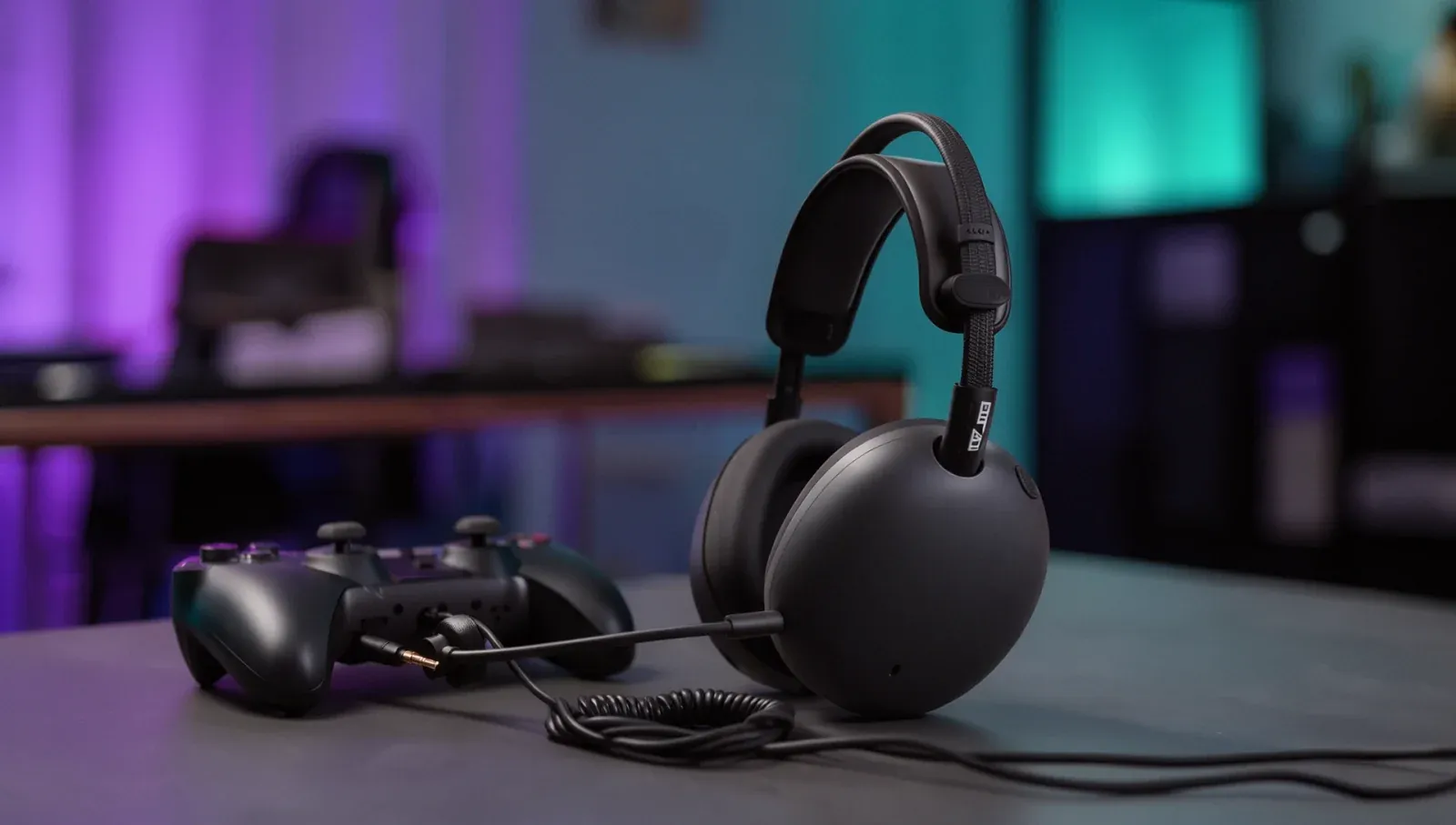
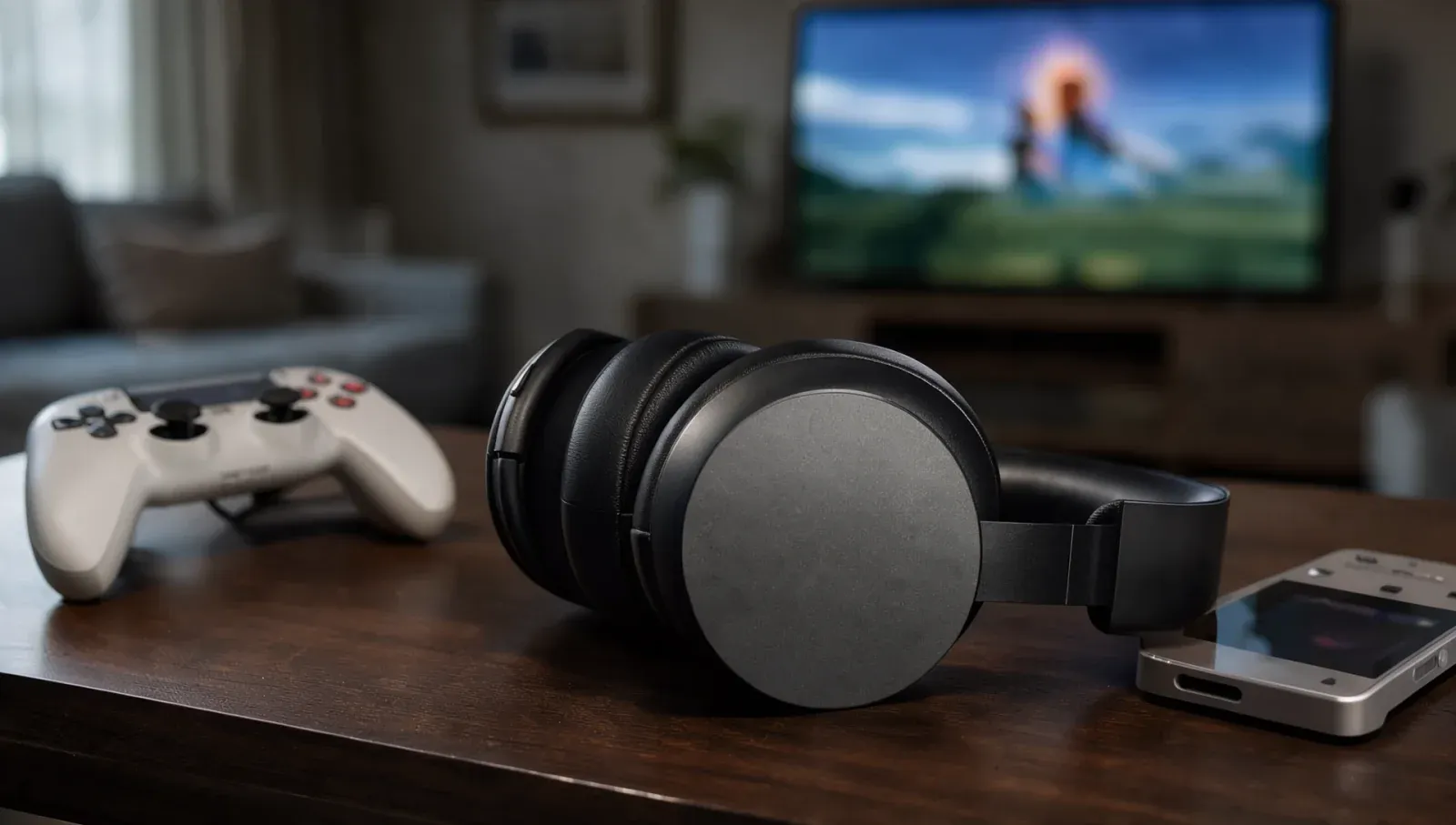
Sony's INZONE H9 II is a wireless noise-cancelling gaming headset built for PC and PS5, and plenty of buyers want to know if it covers an Xbox too. It can, partly: plug its supplied 3.5mm cable into an Xbox controller and you should get game sound and the mic. Sony says plainly that it can't guarantee Xbox support, and the wireless features stay off. Here's what Sony's and Microsoft's own pages say.
Is the INZONE H9 II compatible with Xbox?
Not officially. Sony's INZONE FAQ lists smartphones, PC and PS5 as supported devices and says the headsets are designed for those. On Xbox, it says, "certain features (e.g. audio, microphone) may work if you connect using a 3.5mm jack", but "we cannot guarantee support for Xbox devices". A wireless connection over Bluetooth or the USB transceiver isn't possible at all, Sony adds. The FAQ covers Sony's INZONE headsets as a range rather than naming the H9 II, but the H9 II's own help guide only lists a computer, PS5 and USB-C smartphones for its USB transceiver.
How do you connect the INZONE H9 II to an Xbox?
With the cable in the box. Sony's help guide says to plug the cable's 5-pole straight plug into the headset and its 4-pole L-shaped plug into the device. The device end is a 4-pole CTIA plug that carries the microphone too, and Sony says to use the supplied cable only.
That matches what Microsoft supports. Its headset support page says a headset with a standard 3.5mm jack can plug straight into an Xbox Wireless Controller that has a 3.5mm port, and that CTIA is the standard to use; OMTP headsets will "probably" have audio or chat issues. Older controllers without the port need Microsoft's Xbox One Stereo Headset Adapter.
What do you lose on the cable?
Quite a lot. Sony's help guide lists what stops working over the cable:
- the USB transceiver and Bluetooth;
- the headset's volume dial;
- the GAME/CHAT balance buttons;
- sidetone and the headset's own equaliser;
- the INZONE Hub PC software and the Sound Connect app.
What keeps working: noise cancelling and Ambient Sound Mode, as long as the headset is switched on, and the mic mute button. With the headset off, you can still listen, but without noise cancelling.
How do you change the volume on Xbox?
On the Xbox. Sony says that over the cable, volume is set on the connected device. Microsoft's support page says to press the Xbox button, open Audio & music at the bottom of the guide, and adjust volume, chat mixer and mic monitoring there.
Does the INZONE H9 II work with Switch 2?
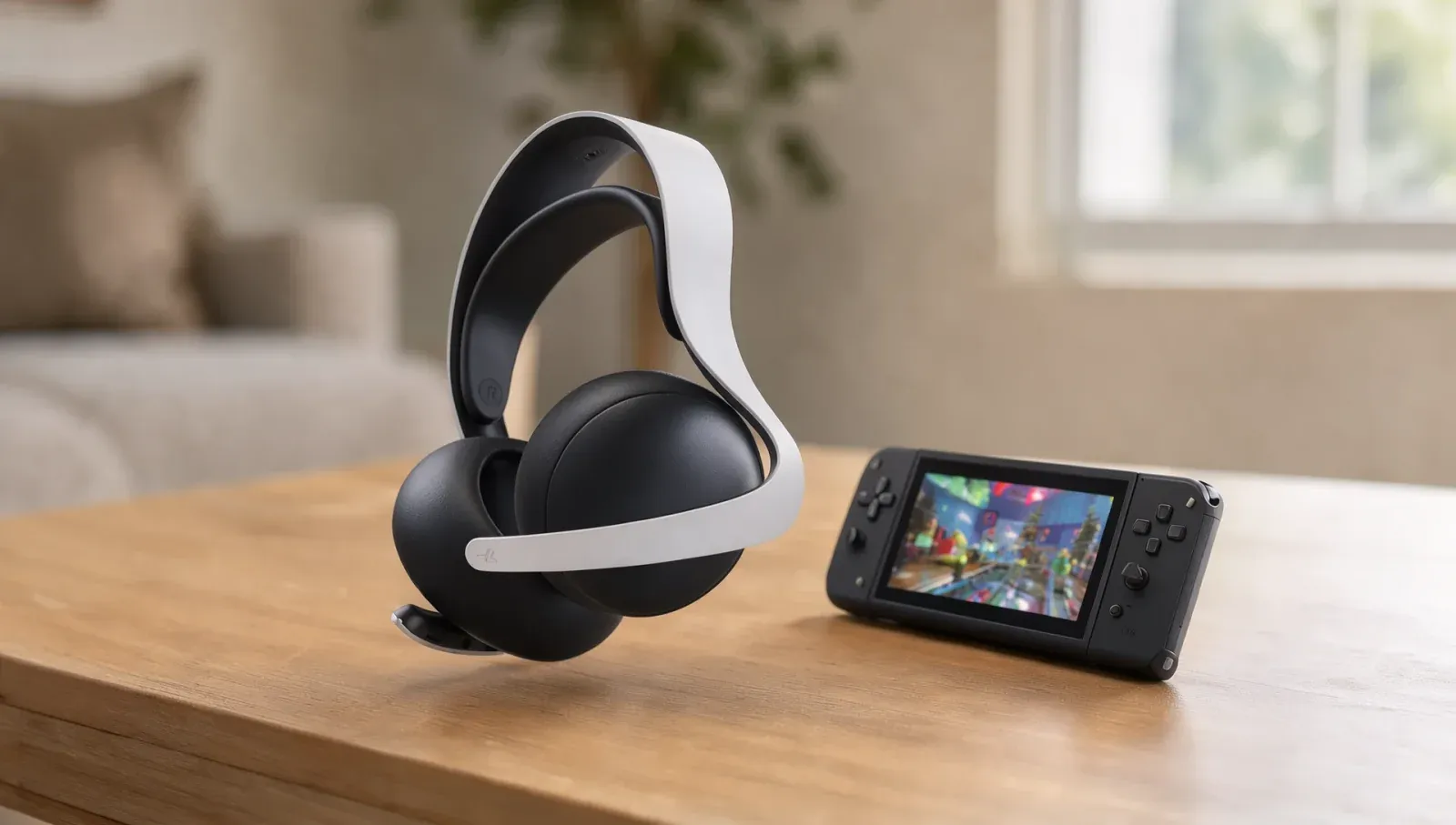
Sony doesn't list it, but the same two routes apply. Over Bluetooth you get sound only: Nintendo's support page says "Bluetooth microphones cannot be used" on Switch 2, and only one Bluetooth audio device can connect at a time. For the mic, use the cable: Nintendo's specs list a 4-pole CTIA 3.5mm jack on the console and on the Switch 2 Pro Controller, though it "cannot guarantee functionality with all products". It's the same situation as Sony's Pulse Elite on Switch 2.
Should you buy it as an Xbox headset?
Only if PC or PS5 is your main platform and the Xbox is a second system. On Xbox you're paying for a wireless headset and using it as a wired one, without its dials or its software. If Xbox is where you play most, a headset with Xbox wireless built in will do more.