Do USB-C Headphones Work on Switch 2? Ports, Mic and TV Mode
Which USB-C, 3.5mm and Bluetooth headphones work on Switch 2, where to plug them in, when the mic works, and what to try when there's no sound.
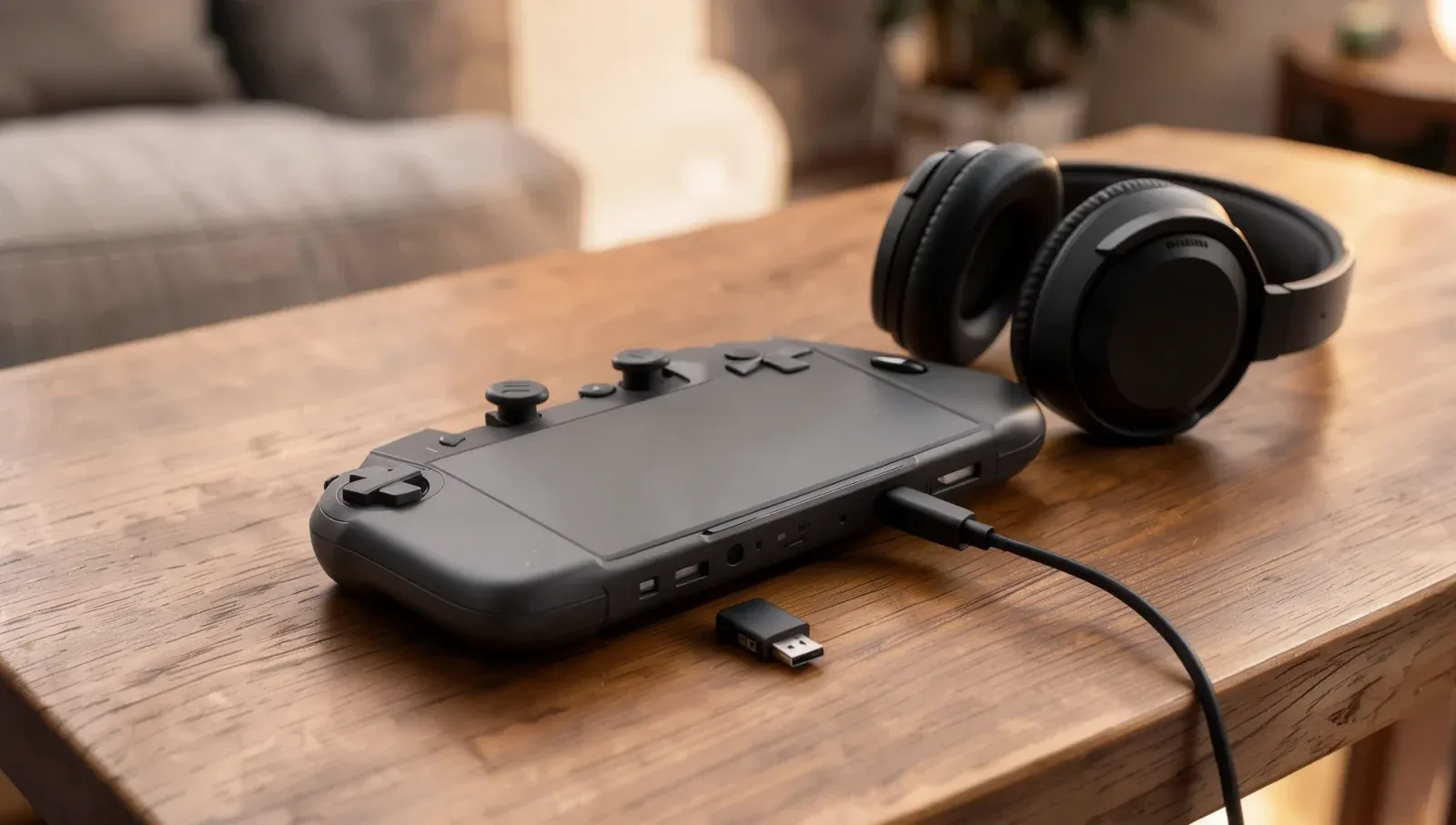
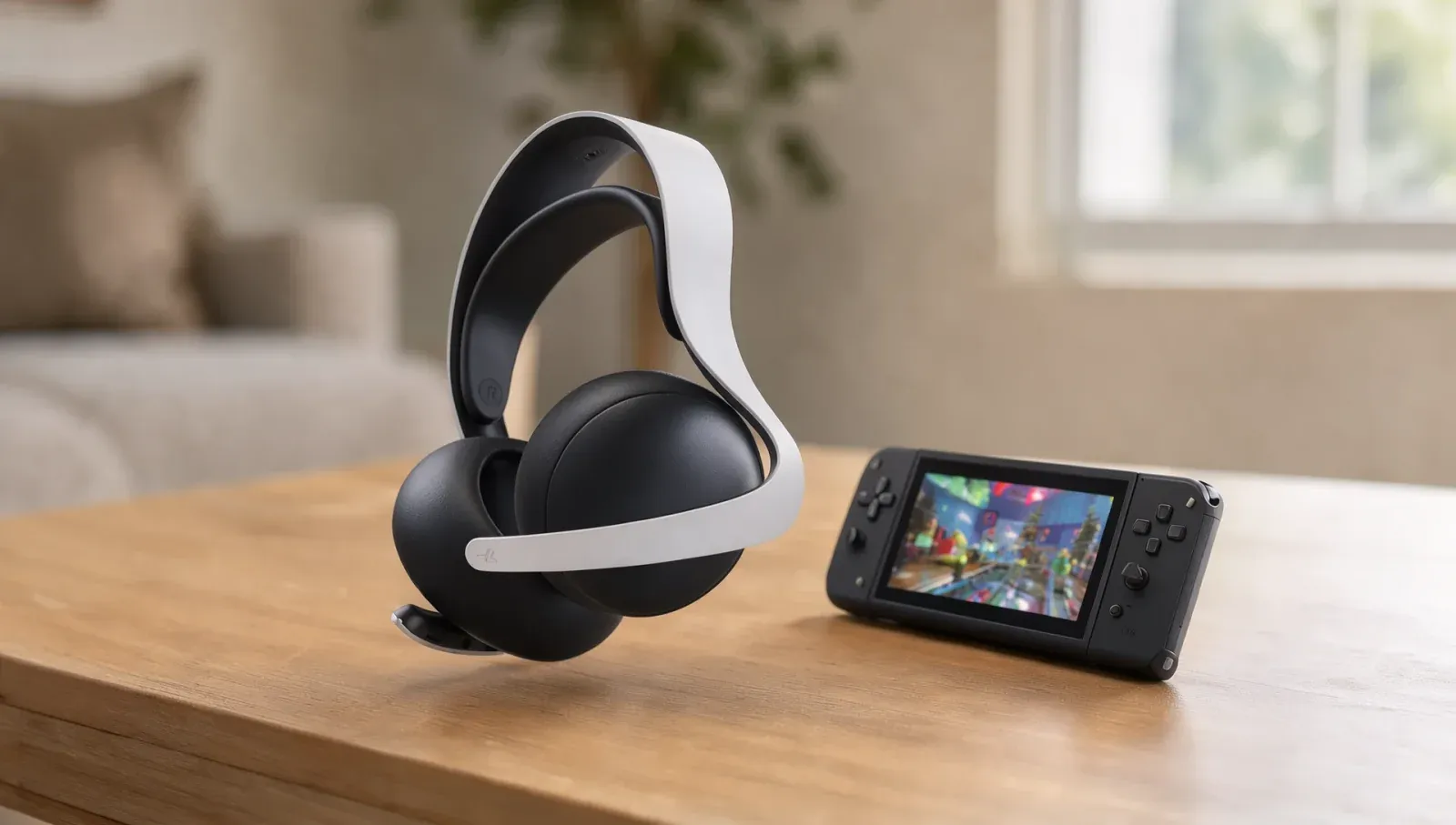
Yes, the Switch 2 works with USB-C headsets, and unlike Bluetooth ones, their microphones work too. Nintendo says USB headsets plug into the USB-C port on top of the console or a USB port on the dock, and you can use their mic in GameChat. Wired headphones also work through the 3.5mm jack on the console or the Switch 2 Pro Controller. Bluetooth headphones give you sound but no mic. The one limit is speakers: Nintendo says USB speakers only work in TV mode, plugged straight into the dock.
How can you connect headphones to Switch 2?
From Nintendo's tech specs and support pages:
Connection | Where it plugs in | Sound | Microphone | Modes |
|---|---|---|---|---|
USB headset (cable or USB-C wireless dongle) | Top USB-C port on the console, or a USB port on the dock | Yes | Yes | Handheld, tabletop and TV |
3.5mm wired headset or headphones | Audio jack on top of the console, or on the Switch 2 Pro Controller | Yes | Yes, with a 4-contact (CTIA) plug | Handheld, tabletop and TV |
Bluetooth headphones or earbuds | Paired in System Settings > Bluetooth Audio | Yes | No | Handheld, tabletop and TV |
USB speakers | A USB port on the dock, directly | Yes | Not applicable | TV mode only |
Do USB-C headphones work on Switch 2?
Yes. Nintendo's GameChat guide lists "USB connection headsets" among the headsets whose microphone you can use, and says to connect them "to the USB port on the Nintendo Switch 2 dock or the USB Type-C port on the console". Its microphone troubleshooting page also deals with "a separate microphone or headset plugged in via the USB-C port on the console or a USB port on the dock".
Nintendo doesn't publish a list of tested USB-C headphones or adapters, so it doesn't vouch for any particular pair.
Which USB-C port should you use?
The one on top. Nintendo's specs say the console has two USB-C ports: the bottom one charges the console and connects it to the dock, while the top one "is used to connect accessories and/or charge the console". The Switch 2 dock adds two USB ports on its side, which Nintendo lists as USB 2.0 compatible.
Do USB-C headphones work in handheld mode?
Yes, in the console's top USB-C port. Nintendo's GameChat guide names the console's USB-C port as a place to plug a USB headset, and SteelSeries tells owners of its Arctis Nova headsets to insert the wireless dongle into the Switch 2's USB-C port, whether it's in handheld mode or docked.
Do USB-C headphones work in TV mode?
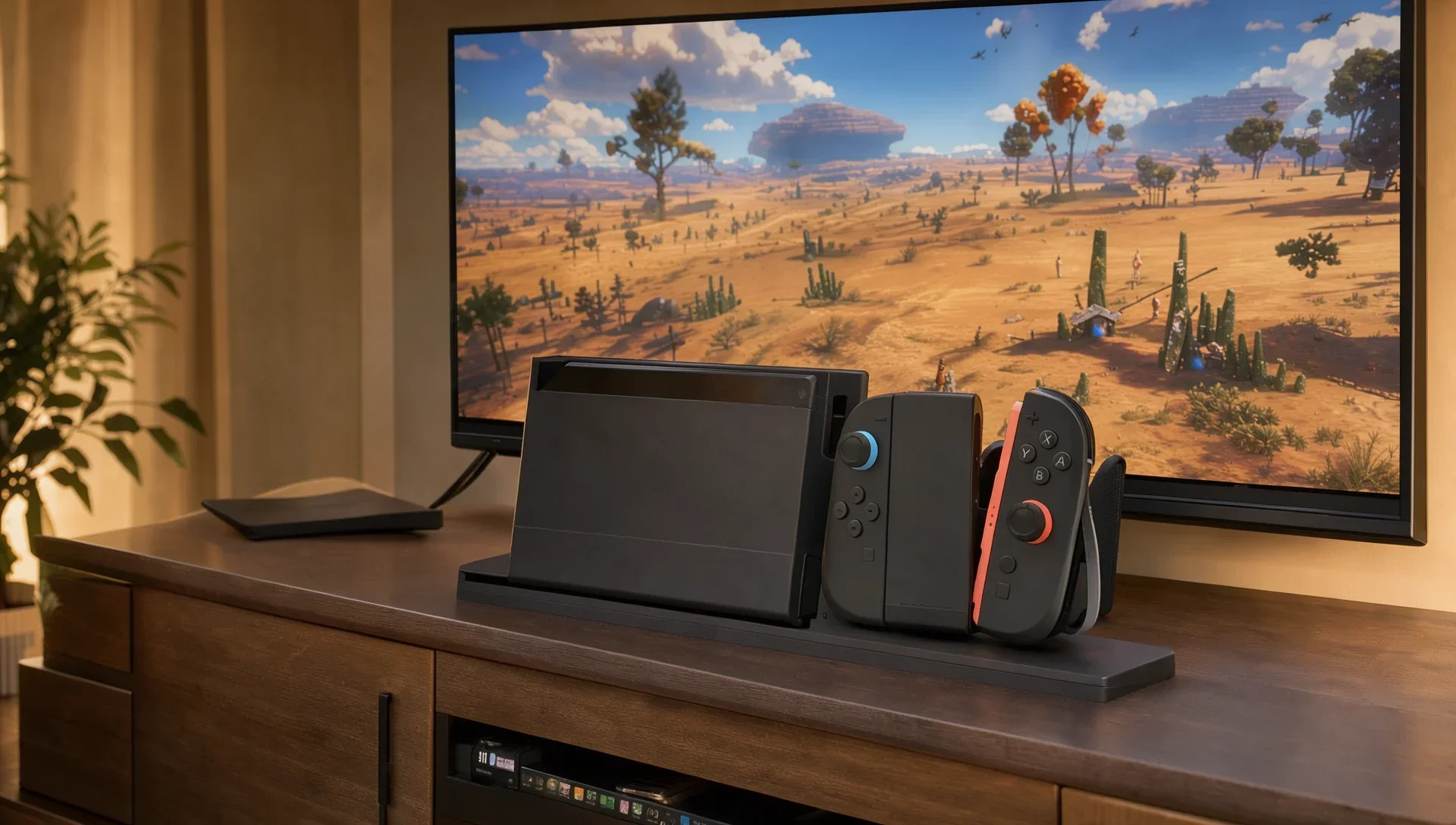
Yes. With the console docked, plug the headset into one of the dock's USB ports or the console's top USB-C port. For a wired headset in TV mode, the Switch 2 Pro Controller's 3.5mm jack is the other option, so you aren't tethered to the console.
Why do USB speakers only work in TV mode?
That's Nintendo's rule for speakers, not headsets. Its support page says USB speakers "may be used with Nintendo Switch 2 while in TV mode only" and "cannot be used" in handheld or tabletop mode. Nintendo adds that it can't promise every USB speaker will work, but that speakers generally will if they connect to the dock with a USB cable and support 48 kHz. It says to plug them directly into the dock and remove any USB hub.
Does the headset microphone work on Switch 2?
It depends on how the headset connects:
- USB headsets: yes, the mic works. SteelSeries says its Arctis Nova 3 Wireless microphone "is fully functional" with GameChat.
- 3.5mm headsets: yes, with a 4-contact plug. Nintendo lists the jack as a "3.5mm 4 pole stereo mini-plug (CTIA standard)" and says you can use it from the top of the console or from the Switch 2 Pro Controller. It also says it "cannot guarantee functionality with all products".
- Bluetooth headsets: no. Nintendo says "microphone input via Bluetooth is not supported on Nintendo Switch 2. If you are using a Bluetooth headset, you can hear other players but not use the headset's microphone."
Without a headset mic, GameChat uses the console's built-in microphone, which Nintendo says has noise cancellation, echo cancellation and auto gain control.
Do wireless headsets with a USB-C dongle work?
Yes, as USB headsets. SteelSeries, for one, says most of its headsets "come with a handy USB-C dongle or connect via USB-C cable", that you plug the dongle into the top USB-C port, and that its 2.4GHz connection is "superior for gaming" to Bluetooth "in terms of quality, latency, and stability". Its own setup steps:
- Update the headset's firmware on a Windows PC first. SteelSeries calls outdated firmware "the number 1 reason" a headset won't work with the Switch 2.
- Plug the dongle into the Switch 2's top USB-C port.
- Put the headset in 2.4GHz mode, not Bluetooth mode.
- Check System Settings > Audio, where the headset should show up as the output and input device, and test the mic there.
If your dongle isn't USB-C, use the dock: Nintendo lists the dock's USB ports as the other place to plug in a USB headset.
Do 3.5mm wired headphones work on Switch 2?
Yes. The jack is on top of the console, and the Switch 2 Pro Controller has one too. Nintendo lists it as a 4-contact (CTIA) jack, so for the mic you need a headset with a 4-contact CTIA plug. If you're docked and hear nothing from the TV, Nintendo's first steps include removing any headphones or speakers connected to the console's audio jack. Sony's Pulse Elite on Switch 2 is one headset that uses this route for its mic.
How do Bluetooth headphones work on Switch 2?
Pair them under System Settings > Bluetooth Audio > Pair Device. Nintendo's Bluetooth page lists the rules:
- The device must support the A2DP profile and SBC codec. AVRCP and AAC are also supported but not required.
- Nintendo is "unable to confirm the compatibility of specific devices".
- Up to 10 devices can be paired, but only one can be connected at a time.
- Bluetooth audio won't connect while three or more wireless controllers are connected.
- It disconnects during local wireless play.
- Wireless audio can lag or crackle, which Nintendo says isn't a fault; its fixes include moving the device closer and switching the console's Wi-Fi to 5GHz.
That's why a Bluetooth headset like Microsoft's Xbox Wireless Headset works on Switch 2 without its mic.
Why are my USB-C headphones not working on Switch 2?
Nintendo's support pages for USB speakers and GameChat microphones cover the usual fixes:
- Update the console: System Settings > System > System Update.
- Update the dock if you're using it: System Settings > System > Dock Update.
- Plug in directly: no USB hub, and try the other port and another cable.
- Check the audio settings: under System Settings > Audio, make sure the right Input Microphone is selected, then use Test Microphone.
- Update the headset: for wireless headsets, install the maker's latest firmware, as SteelSeries advises.
- Restart the console, the last step in Nintendo's microphone troubleshooting.
If sound comes through but is too quiet, Nintendo says the "Lower Maximum Headphone Volume" setting may be turned on. For more on the console, see our Switch 2 guides.
FAQ
Can you use USB-C headphones on the Switch 2 Pro Controller?
Not that Nintendo documents. It lists a 3.5mm headset jack on the Switch 2 Pro Controller, not USB-C audio. For a USB-C headset, use the console's top USB-C port or the dock.
Do Apple's USB-C EarPods work on Switch 2?
Nintendo doesn't name them or any other USB-C earphones. It says USB headsets in general work through the console's top USB-C port or the dock, but it publishes no list of tested models.
Can you use a USB-C headset mic in GameChat?
Yes. Nintendo lists USB headsets as supported for the microphone in GameChat, plugged into the console's USB-C port or the dock.
Can you use headphones while the Switch 2 is docked?
Yes: a USB headset in the dock or the console's top port, a wired headset in the Pro Controller's jack or the console's jack, or Bluetooth headphones.
Does Switch 2 support surround sound on headphones?
Nintendo's specs say a surround sound effect "can be applied when outputting to headphones". Full 5.1 output is over HDMI in TV mode.
Can you connect USB speakers in handheld mode?
No. Nintendo says USB speakers work only in TV mode, connected directly to the dock, and they should support 48 kHz.
Does the Switch 2 support Bluetooth microphones?
No. Nintendo says microphone input via Bluetooth isn't supported, so you'll hear other players but they won't hear you through a Bluetooth headset's mic.