Switch 2 VRR in TV Mode: How to Turn It On and Which Games Support It
Switch 2 update 23.0.0 added VRR in TV mode. How to enable it, the dock update you need, and why so few games use it so far.
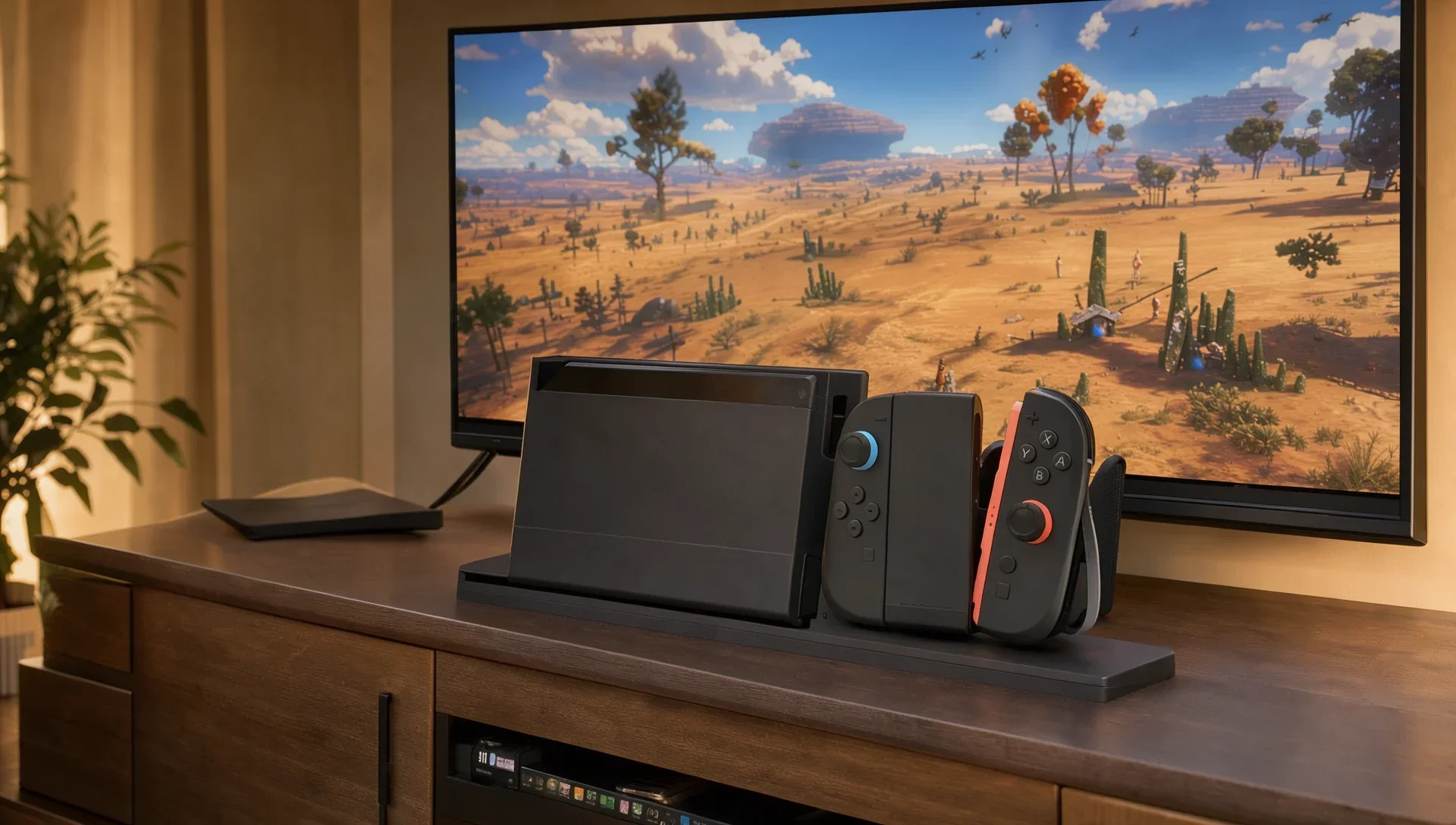
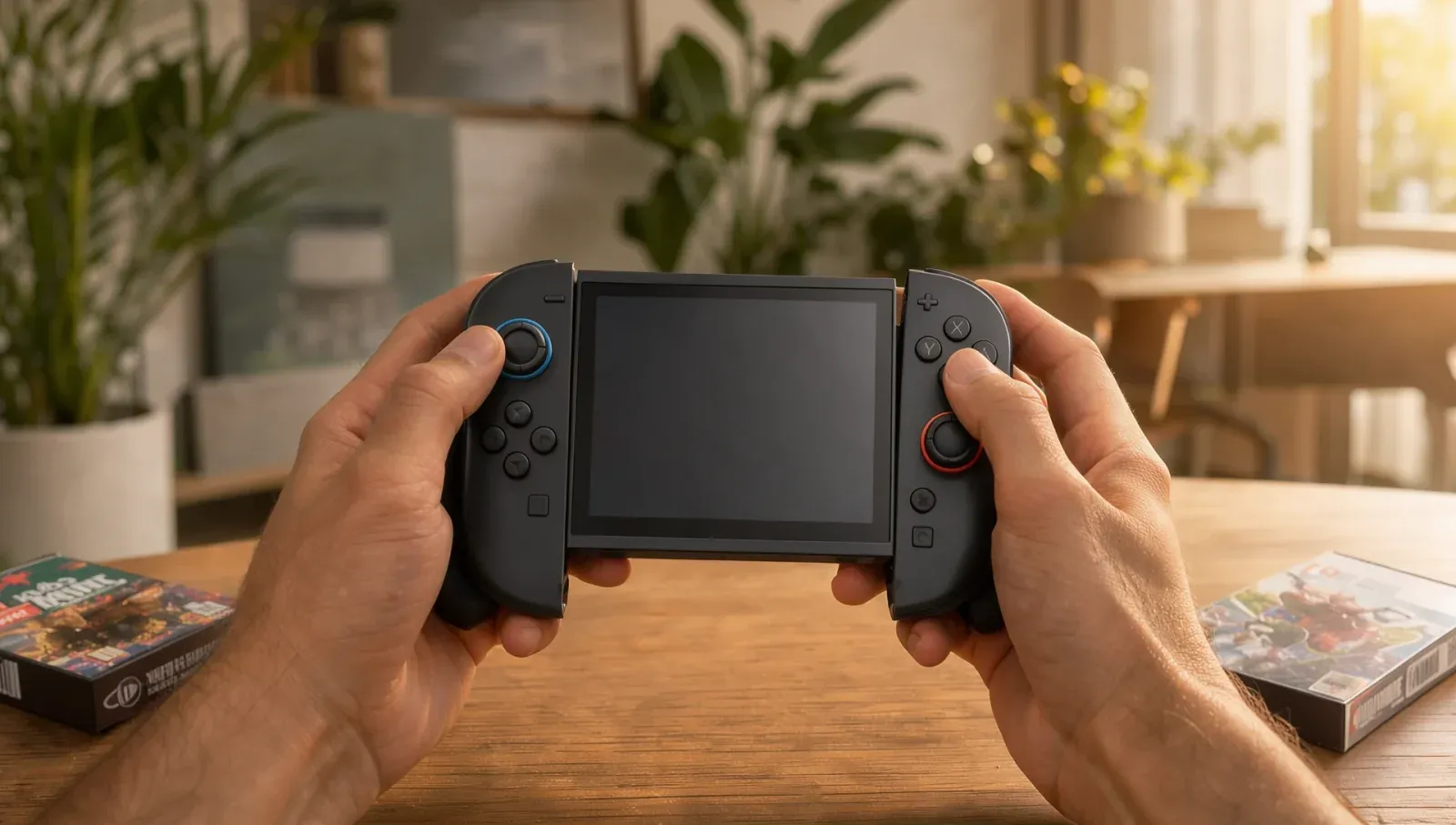
For its first year, the Switch 2 only offered variable refresh rate (VRR) on its own screen. Plug it into a TV and the feature simply wasn't there, which is why plenty of older pages still say the Switch 2 has no VRR in TV mode. That changed with system update 23.0.0 in September. Here's what Nintendo's update notes and support pages confirm, and what they leave out.
Does the Switch 2 support VRR in TV mode?
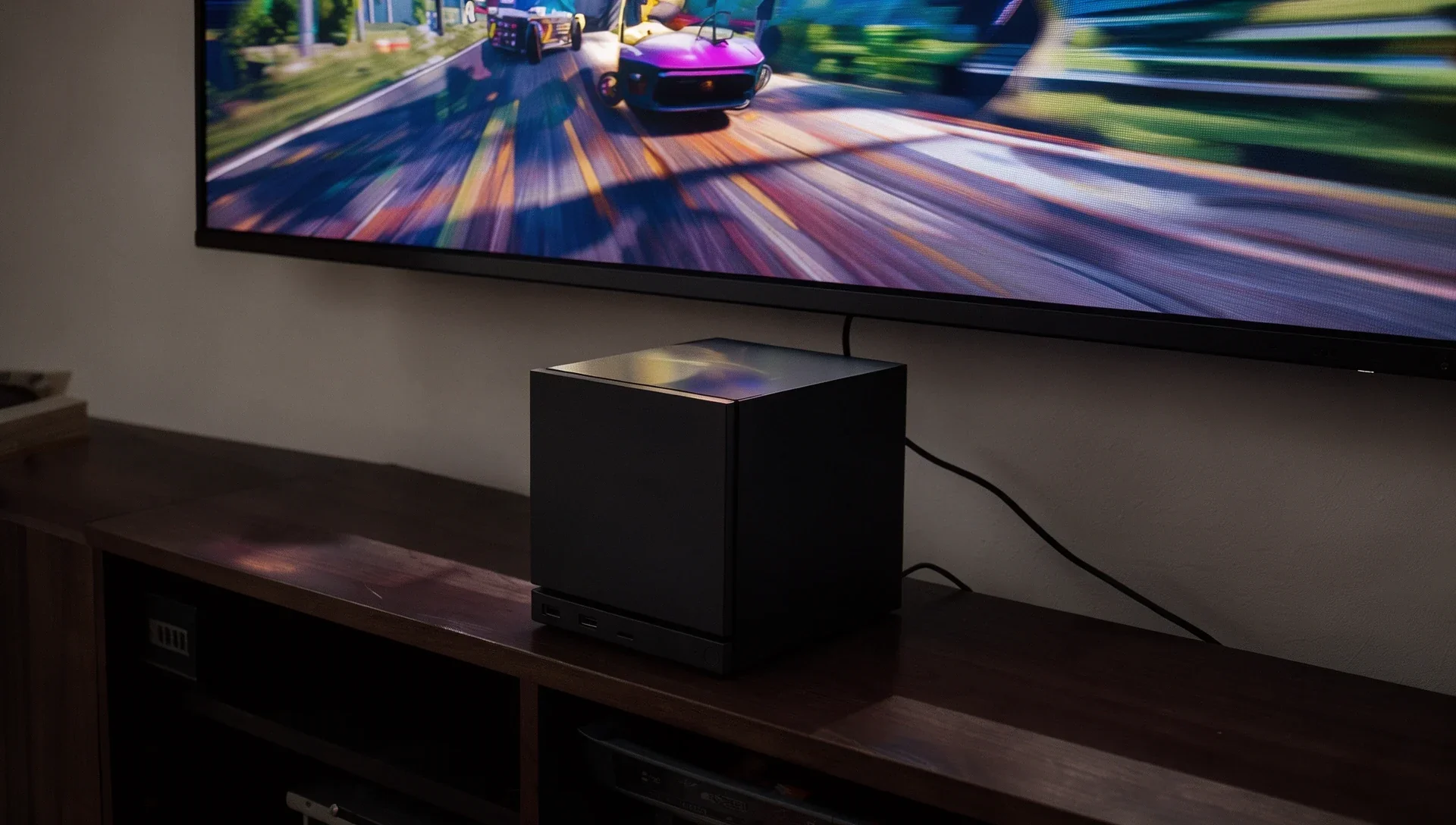
Yes, since system update 23.0.0, released on 10 September (Nintendo's Americas support site dates it 9 September). Nintendo's notes say: "Added support for VRR (variable refresh rate) in TV mode. If supported by both the software and your TV, the refresh rate output will be adjusted based on the software's performance."
The Switch 2 product page now carries the same footnote: VRR in TV mode was "added via a system update released on September 10, 2026". In handheld and tabletop modes, VRR has been there since launch, on the console's 7.9-inch LCD, which Nintendo specs at "VRR up to 120 Hz".
One source of confusion: Nintendo's UK Switch 2 FAQ still says VRR "is only possible when playing Nintendo Switch 2 in handheld and tabletop modes". That answer predates the update; the US FAQ has been corrected.
What do you need for VRR on the TV?
Three things, according to Nintendo:
- The 23.0.0 system update (or later) on the console.
- A dock update. Nintendo's notes say "a Nintendo Switch 2 dock update is required to enable this feature".
- A VRR-compatible TV or monitor, plus a game that supports it.
Nintendo doesn't say which VRR standard or refresh range the console uses in TV mode, so check that your TV's HDMI input has VRR switched on in its own settings.
How do you turn on VRR on Switch 2?
First update the dock: with the console docked, go to System Settings > System > Dock Update on the HOME Menu, the path Nintendo gives in its Welcome Tour update notes. Then open System Settings > Display, where 23.0.0 added new VRR settings. The same update renamed "Dock Output Information" to "Video Output Information", which now shows what your TV can display, a quick way to check the connection.
Which Switch 2 games support VRR in TV mode?
Very few, as far as anyone can confirm. Nintendo hasn't published a list, and its FAQ only says "VRR support varies by game". Each game has to add support itself, so a console update alone won't make an older game use it.
The one game whose official update notes we found mentioning it is Nintendo Switch 2 Welcome Tour. Version 1.1.0, released on 10 September alongside the system update, lets the VRR Slider tech demo (in the Joy-Con 2 (L) Inner Area) run in TV mode, with a VRR-compatible TV and an updated dock.
We'll add games here as their publishers confirm support in their own update notes.
Do all Switch 2 games run smoother with VRR?
No. VRR only helps when a game's frame rate moves around: the TV refreshes when a new frame is ready instead of on a fixed beat, which cuts stutter and tearing. A game that's locked at a steady 60 fps looks the same either way. Valve's Steam Machine also supports HDMI VRR; we covered how that works in our Steam Machine HDMI 2.1 explainer.