Firefox Always on Top: How to Use the New Mini Window
Firefox 160 adds Mini Window, which keeps a tab or part of a page floating on top of other windows. How to open it, send it back and what it can't do yet.
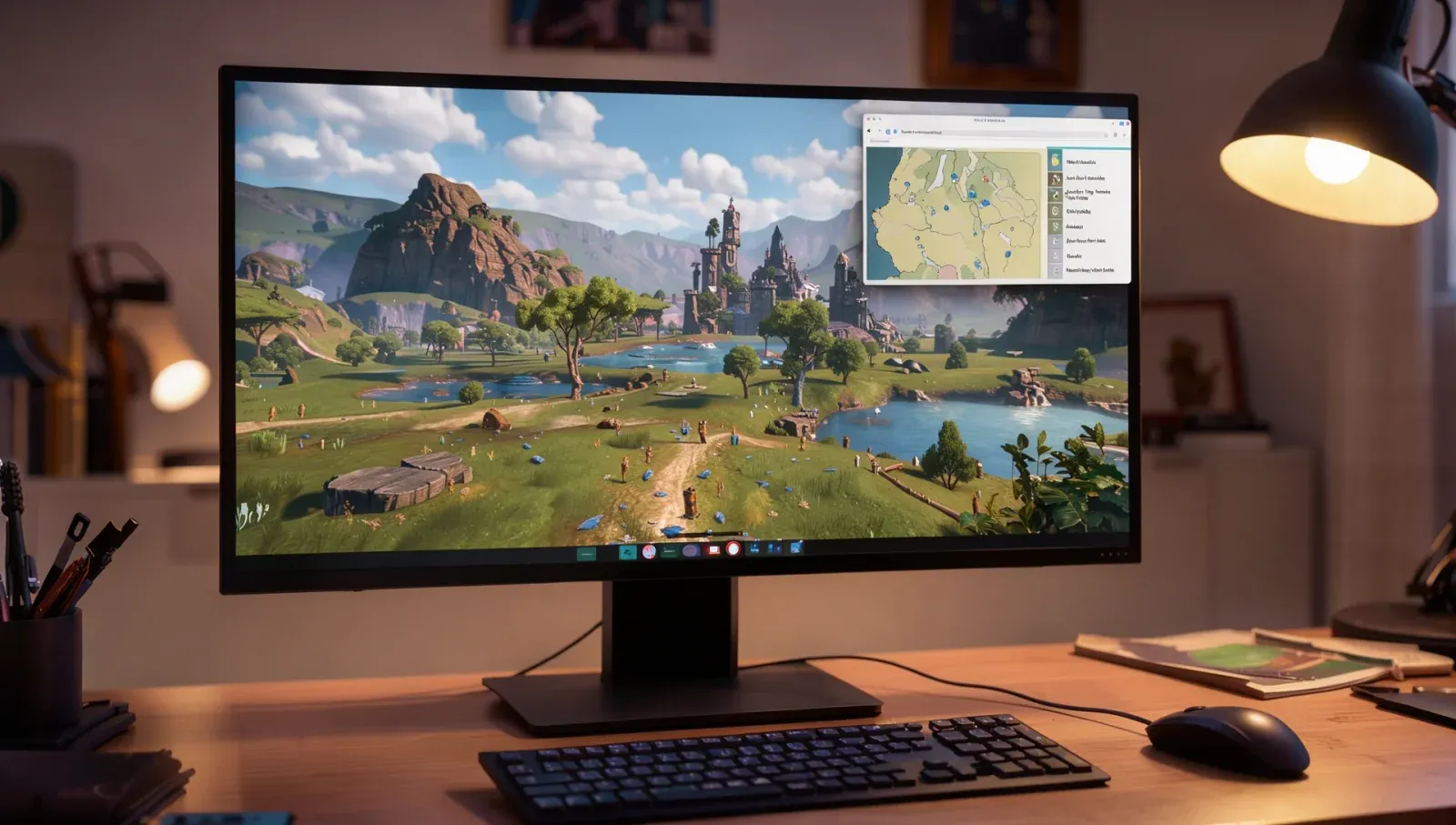
"How do I keep Firefox always on top?" has been a long-running question with no built-in answer. Firefox 160, released on 10 November, adds one. Mini Window moves a tab, or just a part of a page, into a small window that floats above everything else, so a walkthrough, a map, a build guide or a chat can stay in view while you work or play in another window. Mozilla calls it an early version and is asking for feedback.
Can you make Firefox stay on top of other windows?
Yes, from Firefox 160. Mozilla's release notes say Mini Window "moves a tab or a selected part of a page into an always-on-top window while browsing". It works like Firefox's Picture-in-Picture video player, Mozilla says, but for any page rather than only video.
Ania, who announced the feature for Mozilla on Mozilla Connect, said it's for when "you're multitasking and need to keep a few sources of information in view at once", naming reference docs, a chat, a video call or a form. Mozilla's own roadmap post gives the example of keeping recipes or instructions in view while you work in another tab.
How do you open a Mini Window in Firefox?
On Firefox 160 or later, there are three ways, according to Mozilla:
- A whole tab: right-click the tab and choose Move Tab > Move to Mini Window.
- Part of a page: right-click anywhere in the page and choose Move Section to Mini Window, then select the area you want to pop out.
- A toolbar button: right-click the toolbar, choose Customize toolbar and drag the Mini Window icon onto it.
How do you get the tab back?
Use the Mini Window's own controls. Once a tab or section moves into a Mini Window, it's no longer in your regular window. From the Mini Window you can send it back to its original window, close it, or mute and unmute it if it's playing sound.
Can you resize it or open more than one?
Yes to both. A Mozilla employee replying on Mozilla Connect on 10 November said you can resize Mini Windows "as you like and open as many as you like", just not more than one from the same tab.
Can you turn off always-on-top?
Not that Mozilla has said. The feature is described only as always on top, and when a tester asked on Mozilla Connect for an option to switch that off, Mozilla hadn't answered by 13 November.
Does it work on Windows, Mac and Linux?
Yes. Mozilla said it would arrive on all platforms at the same time, and the Firefox 160 release notes don't describe it as a gradual rollout.
Does Mini Window work over games?
Mozilla doesn't say. Its examples are all about working in other windows, and it doesn't mention games or full-screen apps, so whether a Mini Window stays visible over a particular game is untested by Mozilla.
What are the known problems?
It's an early version. A Mozilla employee confirmed on 12 November that a page sent back from a Mini Window can show a broken layout, a caching bug that Mozilla is fixing for Firefox 162. Mozilla also says an option to open a link straight into a Mini Window is "on our radar", but hasn't given a date.
Websites can't open Mini Windows themselves either: Mozilla says it's a feature only the user can trigger, and sites aren't given a way to use it.
What else is new for videos in Firefox 160?
The Picture-in-Picture player now has a playback speed setting from 0.25x to 2x, handy for slowing down a tutorial. It only appears when the player window is medium-sized or larger. Firefox isn't the only browser changing how tabs look and behave this month: Microsoft's Edge stopped fading sleeping tabs.