Can You Use the Switch 2 Camera as a PC Webcam? What Works on Windows and Mac
Nintendo's Switch 2 Camera on a PC: what hands-on tests found on Windows, the resolution, the microphone question and what Nintendo says.
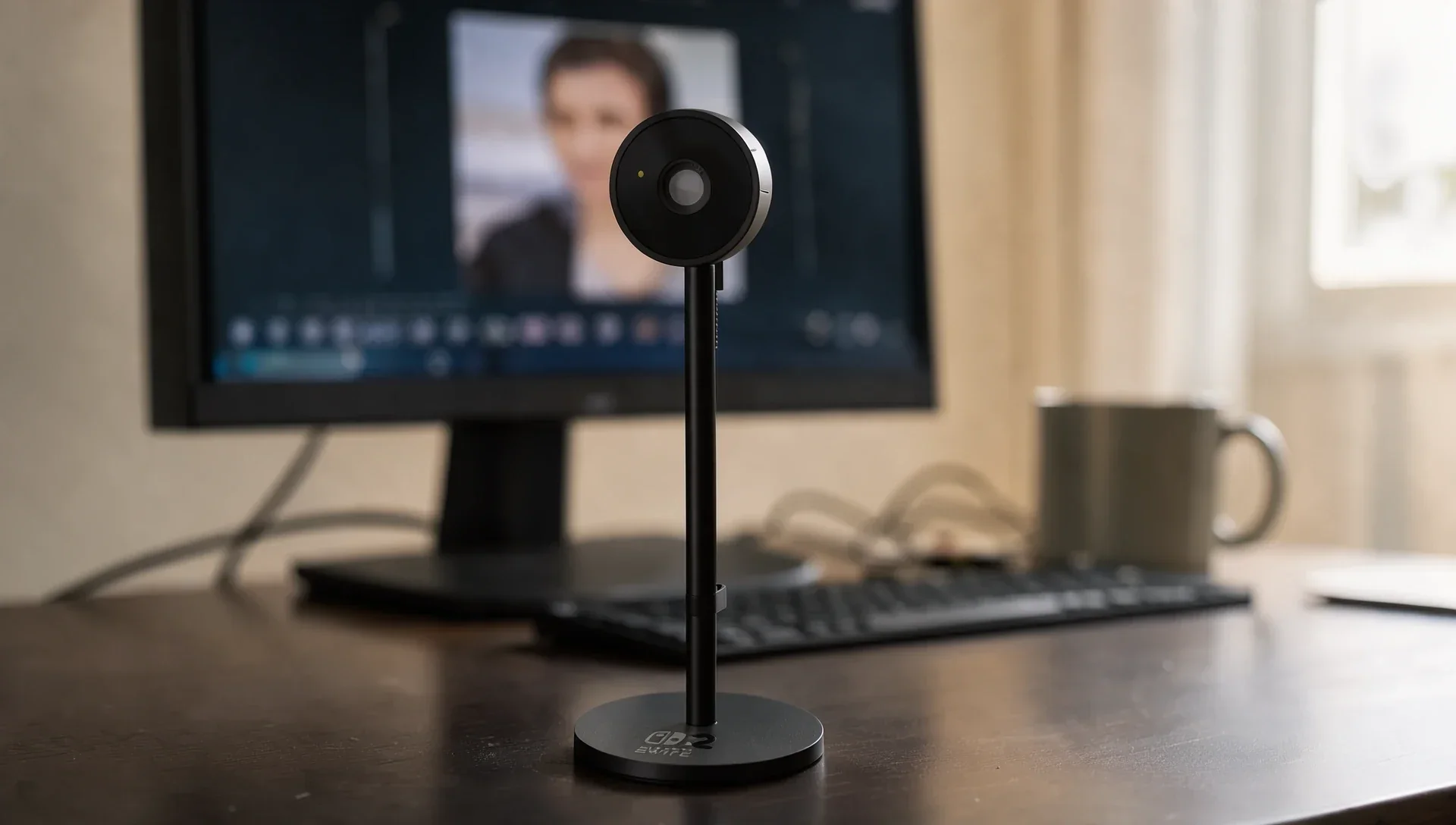
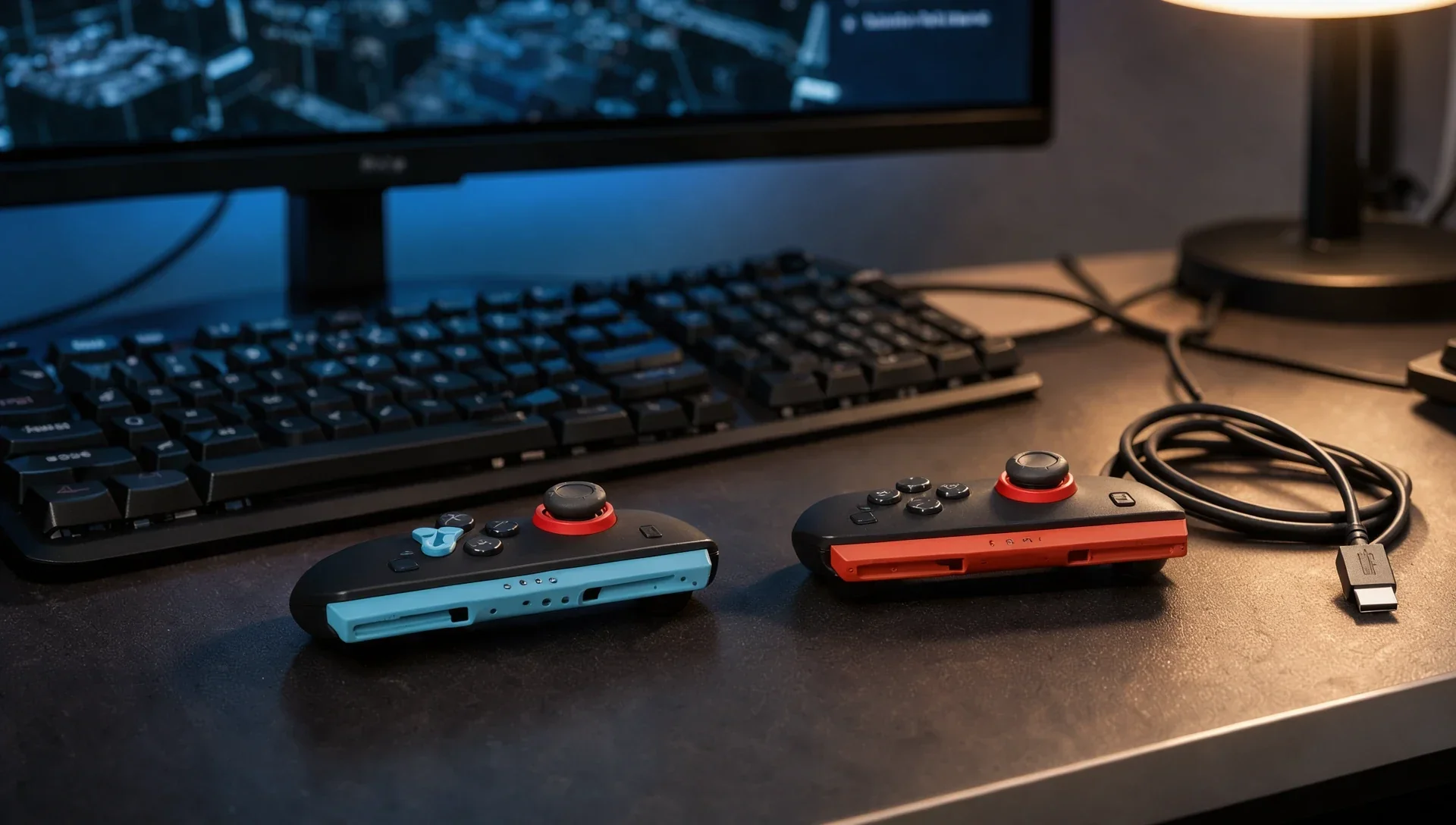
The Nintendo Switch 2 Camera is a plain USB-C camera on a stand, so it's natural to wonder whether it can double as a webcam for work calls or Discord. In short, yes on Windows, according to two hands-on tests. Nintendo itself doesn't mention PCs at all. Here's what's been tested, by whom, and what's still unknown.
Does the Switch 2 Camera work on a Windows PC?
Yes. Japanese site Gigazine plugged it into a Windows PC in August 2025 and reported "no particular issues": Windows recognised it straight away as "Nintendo Switch Camera". TechRadar's Rhys Wood used it for over a month as a webcam for work and Discord sessions, and wrote that it registered immediately on PC with "no fussing with drivers or installs". He also says it works through a USB-A adapter, on both the Switch 2 and a PC.
Does it work on a Mac?
Probably, but neither test describes it. TechRadar's spec box lists macOS among compatible systems, while its review text only describes PC use. Gigazine tested Windows only. Treat Mac support as likely but unconfirmed.
What resolution and frame rate do you get?
Nintendo's specifications page for the camera lists its size (about 170 x 65.4 x 65.4mm), weight (about 111g), USB-C connector and a diagonal field of view of about 110 degrees, but no resolution or frame rate. The figures come from testers: Gigazine's browser test found 640 x 480 by default and a maximum of 1920 x 1080, and TechRadar lists 1080p at 30fps. The wide angle is unusual for a desk webcam, which TechRadar notes is wider than most PC webcams, so expect to see more of your room.
Does the Switch 2 Camera have a microphone?
Don't count on it. Nintendo's spec list includes no microphone, and neither test mentions one. On the console, Nintendo says GameChat voice runs through the Switch 2's own built-in microphone. On a PC, you'll need a headset or a separate mic.
Does Nintendo support using it on a PC?
No, not in anything it publishes. Nintendo describes it as "a dedicated USB-C camera made especially for Nintendo Switch 2", and its pages only cover the console's three play modes. If it misbehaves on a PC, you're on your own.
Can other webcams work with the Switch 2?
Yes, Nintendo says many can. You "may be able to use a USB camera accessory you already own", although not all will work as intended, and you can check with System Settings > Controllers & Accessories > Test USB Camera. Nintendo's store also sells Hori's officially licensed Piranha Plant Camera, which lists 640 x 480 at 30fps and an 85-degree view, and warns that performance may vary on other devices.
Should you buy it as a webcam?
The logic runs the other way: if you want one camera for both, a regular USB webcam you already own costs nothing extra and may pass Nintendo's camera test, while the Switch 2 Camera ($54.99 on Nintendo's US store) earns its price mostly with its wide angle and privacy shutter on the console.