Windows 11 Gets Faster on 8GB PCs: Microsoft's Memory Fixes and How to Get Them
Microsoft says Windows 11 is now up to 20% more responsive on 8GB PCs, with faster multitasking and leaner apps. What changed and how to get the update.
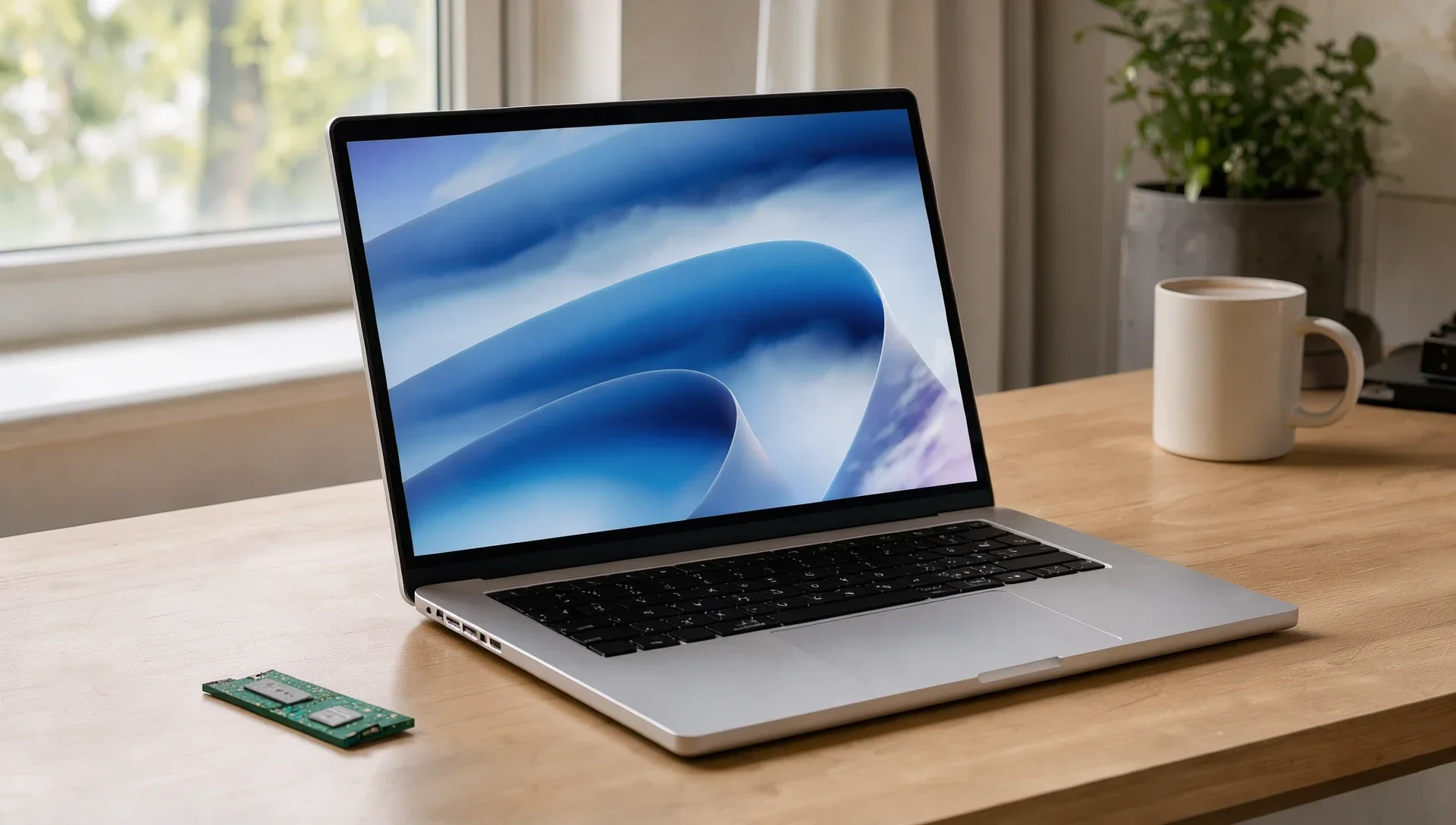
Microsoft says Windows 11 now runs noticeably better on PCs with 8GB of memory. In a post on 3 November, Windows and Devices chief Pavan Davuluri said the latest Windows 11 builds are up to 20% more responsive on 8GB machines, and that multitasking was up to 40% faster in Microsoft's lab test.
It matters because 8GB isn't going away. Memory has got much more expensive this year (here's why RAM and SSD prices are rising), and Microsoft's own post promotes 8GB Windows laptops from $429 for the holidays.
What's improved
- More of your work stays in memory. Windows has tuned how it compresses memory and when it falls back to storage, so it can keep up to 2GB more of your active data in RAM. Apps and browser tabs you left open are less likely to reload when you go back to them.
- The basics respond faster. Start, search, right-click menus, Settings, the Snipping Tool and File Explorer respond up to 20% faster than with the January 2026 update. Windows now briefly puts what you're doing first and pauses background jobs such as search indexing.
- Edge opens faster. When you open Edge from Start, Windows connects to the copy that's already running in the background, which makes it open up to 33% faster. That needs Edge 150 or later.
- Teams starts faster. Teams can turn on its Efficiency Mode by default on 8GB PCs, which makes it launch up to 20% faster.
- Leaner apps. In Microsoft's multitasking tests, the changes cut memory growth by up to 900MB. Word, PowerPoint, Excel and Outlook account for up to 360MB of that. Widgets now only loads when you open it, saving about 200MB on PCs with 8GB or less, and inactive Edge tabs go to sleep after 15 minutes instead of two hours.
The fine print
These are Microsoft's own figures. The responsiveness numbers come from Windows telemetry on 8GB PCs, comparing a recent build with one from January. The 40% multitasking figure comes from an internal test on a single laptop, an HP OmniBook 3 with 8GB and a Snapdragon X Plus chip, and Microsoft says it isn't a benchmark.
What's coming next
Microsoft lists more work in progress:
- Smarter, more efficient memory compression
- Windows features sharing parts instead of each loading its own: Search and Widgets will share one web engine, and OneDrive and Photos another
- File Explorer, Notepad, Paint and the new Windows search, all built on WinUI 3, opening faster and using less memory
- Working with PC makers and chip companies so less memory is reserved for hardware, leaving more for Windows and your apps
- Helping third-party developers make their apps use less memory
How to get the improvements
You need Windows 11 version 26H2, build 26300.9818 or later:
- Open Settings > Windows Update.
- Turn on Get the latest updates as soon as they're available.
- Select Check for updates and install what's offered.
Keep Edge, Microsoft 365 and Teams up to date as well, because some of the improvements arrive through those apps or the Microsoft Store rather than Windows Update.
Is 8GB enough?
Microsoft's case is that a new 8GB laptop is much faster than an old one. In testing it commissioned from Principled Technologies, a 2026 Dell XPS 13 with 8GB scored up to 94% higher than a 2021 8GB model in Cinebench's multi-core test, and Microsoft notes that the result doesn't represent every 8GB PC. For web browsing, email and office work, the update should make 8GB feel less tight. If you edit video, play games or keep dozens of apps open, 16GB still gives you more room.