Which graphics cards can you use with a 500 W power supply?
Compare GPUs for a 500 W power supply, including the GTX 750 Ti, RTX 3050 6GB and Radeon RX 6600. Check system power and connectors before buying.
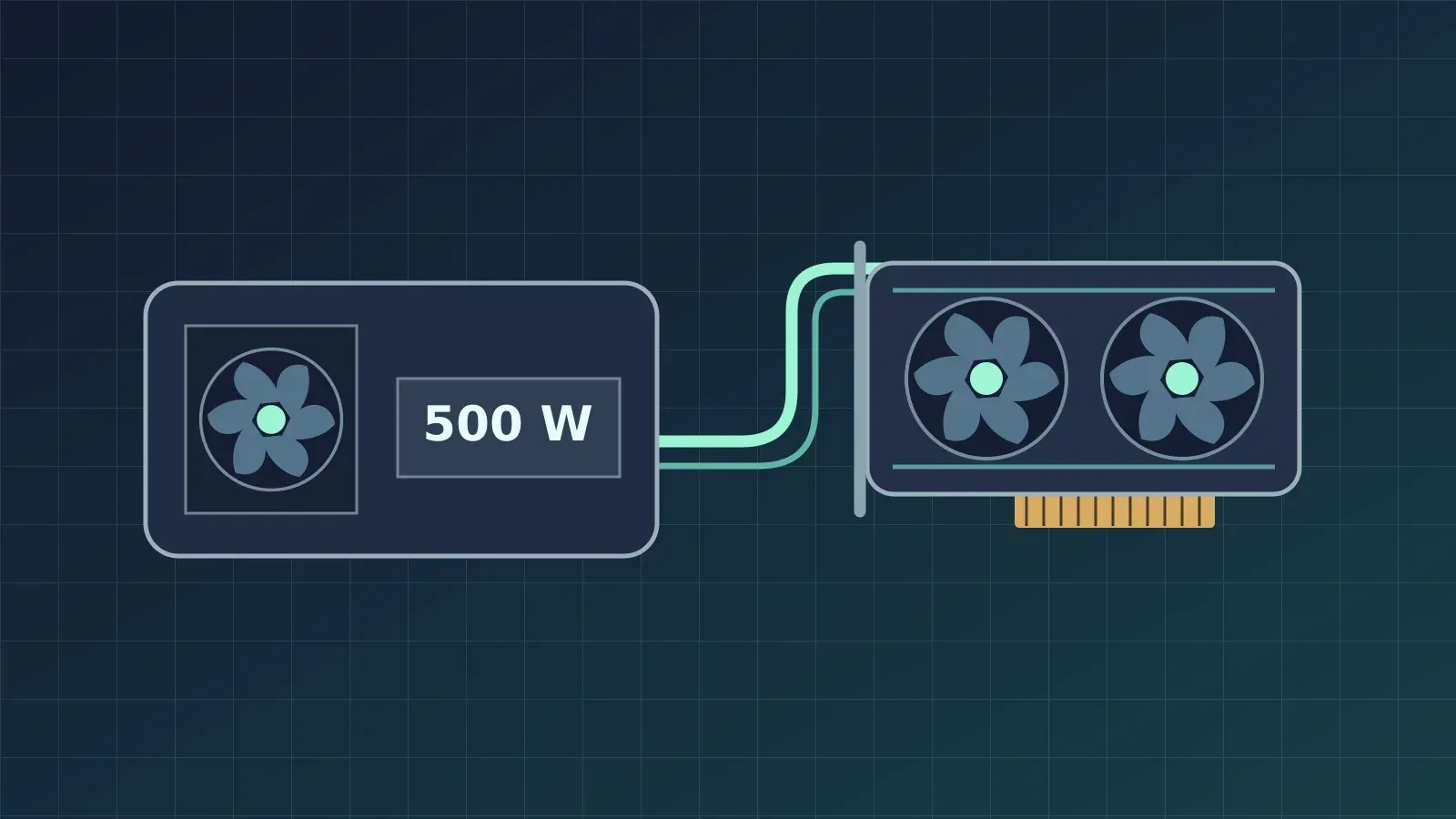
A healthy 500 W power supply can run a GTX 750 Ti, a reference-spec RTX 3050 6GB, or a card such as the Sapphire Pulse RX 6600 in a suitable desktop. But a 500 W sticker alone doesn’t tell you whether the upgrade fits. Check the recommended power for the whole system, the card’s connector and what your PSU can deliver on +12 V.
GPU shortlist for a 500 W PSU
Match the exact card on the listing to its manufacturer’s specs. A recommendation for one variant is not a recommendation for every card with the same GPU name.
Desktop graphics card | Listed system power | GPU power connector | What that means for 500 W |
|---|---|---|---|
300 W | Check the exact board | Below 500 W on paper. Check the connector on the used card before buying. | |
300 W | None listed | A candidate if your PSU lacks a GPU cable. Don’t confuse it with the 8GB model. | |
350 W | No auxiliary connector listed | Another option for a PC without a GPU power cable. Verify the exact card and case clearance. | |
500 W | One 8-pin PCIe | Meets the listed minimum with a healthy 500 W PSU and the correct cable; don’t assume extra margin for a power-hungry build. | |
550 W | One 8-pin PCIe | Above 500 W on NVIDIA’s table. The 6GB model’s 300 W figure doesn’t apply here. | |
550 W | Check the exact board | Above 500 W on NVIDIA’s table even though listed graphics power is 115 W. | |
550 W | Check the exact board and approved cable | Above 500 W on NVIDIA’s table. Don’t use the GPU’s 130 W rating as the system recommendation. |
Graphics power and system power are different numbers. Graphics power describes the card, not the processor, motherboard, drives or fans. System power is the manufacturer’s recommendation for the whole PC. If your exact card’s recommendation exceeds 500 W, the straightforward choice is a lower-power card or a suitable replacement PSU.
GTX 750 Ti example: can you keep your old 500 W supply?
Usually, yes, if the supply is healthy and correctly rated for the build. NVIDIA lists 60 W graphics power and a 300 W minimum for the reference system. Look up the full model number printed on the card sticker, not just “GTX 750 Ti.” Some versions draw power from the motherboard slot alone. Others have a 6-pin PCIe socket, so check both the card and the manufacturer’s documentation.
If the card has no auxiliary power socket, there is no GPU power cable to connect. If the card requires a 6-pin connector, use a compatible PCIe cable from the PSU. On a 6+2-pin PCIe connector, the six-pin portion plugs in and the extra two pins stay loose. A CPU power cable is not a substitute. Don’t use a SATA-to-PCIe adapter to make up for a missing connector.
If your PSU is modular, use only cables confirmed compatible with its exact model. A cable can fit the PSU socket without being wired correctly. Corsair’s compatibility chart shows why even supplies from one manufacturer don’t all take the same cables.
Read the combined +12 V rating
Shut down and unplug the PC before inspecting it. Read the label on the outside of the PSU; never open the PSU casing. The label should tell you the model and list DC outputs. Look for the combined maximum under +12 V, which matters because the CPU and GPU draw most of their power from that output.
Example label | How to read it |
|---|---|
One +12 V output rated at 30 A | 12 V × 30 A = 360 W on +12 V. That’s a rating for the output, not measured consumption or a GPU-only budget. |
Two +12 V rails labeled 18 A each, with a 300 W combined limit | Use the 300 W combined limit. Don’t add the individual 18 A limits to claim 432 W. |
Label says 500 W but gives no usable +12 V rating | Look up the exact model’s manual or datasheet. Don’t assume the full 500 W is available on +12 V. |
Those numbers are examples for reading a label, not minimum thresholds for any card in the table. Compare the exact card maker’s recommendation against the PSU and the full build, especially if the PC has a power-hungry CPU, an overclock or several drives.
Decide whether to keep the old PSU
- Keep it if the PSU meets the exact card’s recommendation for the build, the PC has no signs of power trouble, and the PSU has the correct connector if the card requires one.
- Check further if you can’t identify the model or reconcile the label with the manufacturer’s documentation. For a prebuilt PC, check the original system documentation before assuming a standard replacement PSU will fit or connect to the motherboard.
- Don’t reuse it if you find visible damage, smell burning or see a melted connector. Stop using the unit rather than testing it with a new card. If the card requires a connector the PSU doesn’t provide, use an appropriate replacement PSU or choose a card variant that doesn’t require auxiliary power.
If you’re asking someone to check your build, share the exact PSU model, a clear photo of its output table, the graphics card model and the CPU model. Those details tell them much more than “500W ATX.”