What Is Minecraft Rust Edition? Horizon Explained: Is It Official, Safe and Faster?
Horizon, nicknamed Minecraft Rust Edition, rewrites Java Edition in Rust. Is it official, is it safe, does it run faster, and do mods and servers work?
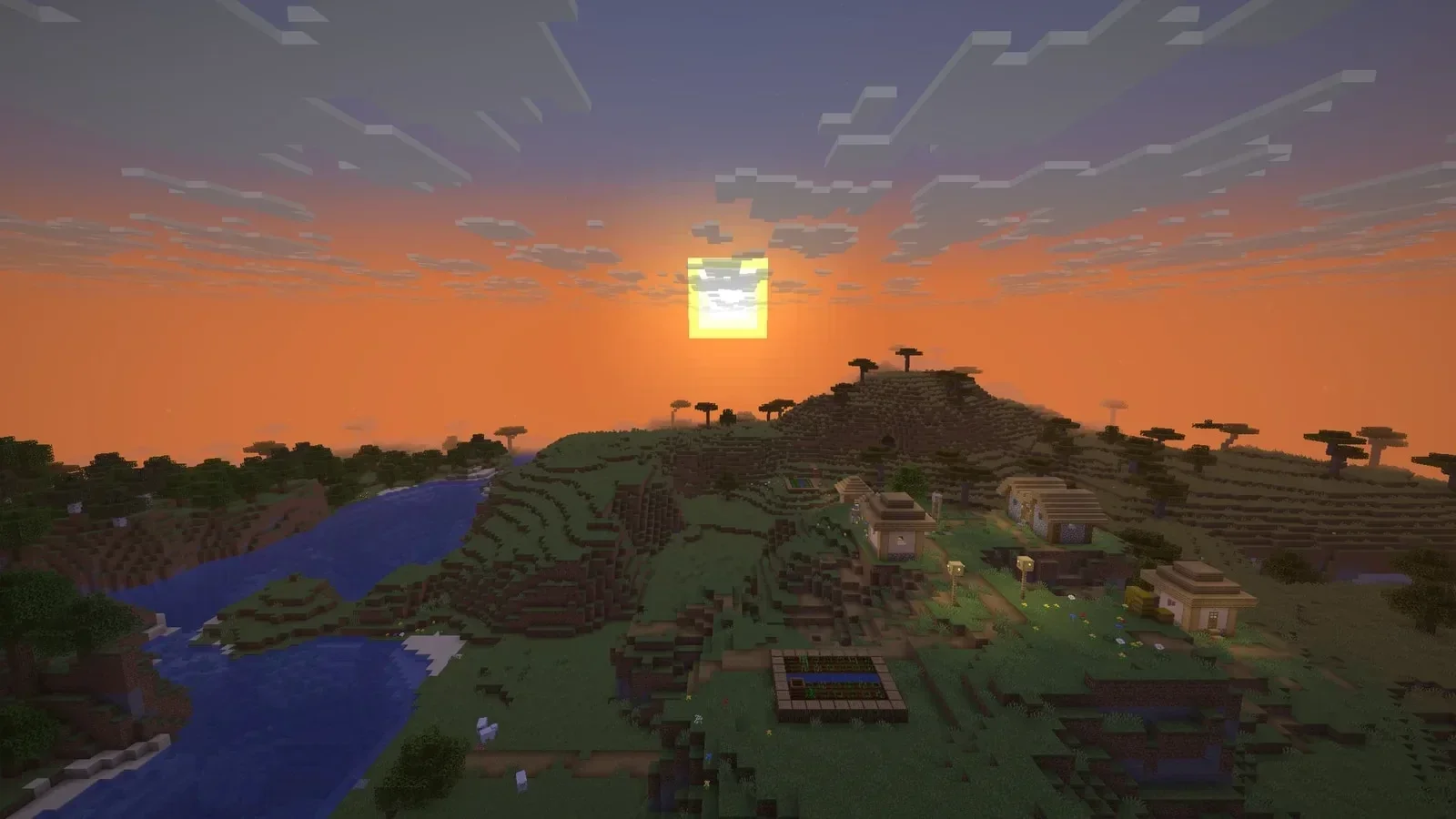 Image: Horizon project
"Minecraft Rust Edition" is everywhere this week, and the name makes it sound like something Mojang announced. It isn't. It's Horizon, a free fan project that rewrites Minecraft: Java Edition from scratch in the Rust programming language, and it's barely a month old. Here's what it is, what it claims, and what to know before you try it.
What is Minecraft Rust Edition?
Horizon (its real name; "Minecraft Rust Edition" is a nickname) is a rewrite of the Minecraft: Java Edition 26.3 client and its game logic in Rust, a language known for speed and memory safety. The official Java Edition, as the name says, runs on Java.
The goal is not a new game but the same one: same worlds, same rules, same terrain. The project checks itself against the real game with automated "harnesses", tests that feed identical inputs to Horizon and to Minecraft 26.3 and compare the results. It counted 326 of them on 25 October, covering everything from world generation to redstone and commands.
Is it official?
No. Horizon is not made, approved or endorsed by Mojang or Microsoft, and its own pages say so. It was started by developer Ludovic Marie and appeared on GitHub on 3 October 2026. A month later it had more than 5,700 stars and about 180 contributors.
It also contains no Minecraft code, art or sounds. You need your own copy of Minecraft: Java Edition 26.3: the launcher builds the game files on your computer from it, and never downloads or shares them.
Is Horizon faster than Java Edition?
That's its main pitch. Its website claims about three times the frame rate of the standard game, 150 frames per second against 50 in its own test of vanilla 26.3 with no mods, and says results vary with hardware. Elsewhere the site promises "the same game you love, 6× faster". These are the project's own numbers, not independent tests.
It also adds extras the official game doesn't have, all off by default where they change the look: view distance up to 1,024 chunks, controller support, zoom, a minimap and new graphics presets.
Is it safe to download?
The project is open about how it works, which helps:
- Open source: all the code is public on GitHub under the MIT licence, and releases are built by GitHub's own build service from that public code, with public logs.
- Signed downloads: each release comes with a list of file fingerprints signed with the project's release key, which the launcher checks before installing.
- Not signed by Microsoft or Apple: the Windows programs aren't code-signed and the Mac app isn't notarised, so both systems may warn you the first time. That's common for free projects, but it means you're trusting the project rather than Microsoft or Apple.
- Mostly written by AI: the project says most of its code is written by AI agents (Claude sessions its creator runs, plus contributors' own tools), and that not every line is read by a person. Changes are checked automatically against the real game instead.
- No data by default: data collection is off until you switch it on, apart from an anonymous ping that counts how many people are playing.
In short: it's a transparent open-source project, but a very new one, moving fast. Use the official download from playhorizon.dev or the GitHub releases page, not a re-upload.
What do you need to play?
- A Microsoft account that owns Minecraft: Java Edition
- Windows (x64), Linux or a Mac (Apple Silicon; Intel Macs are coming)
- A graphics card with Vulkan or DirectX 12 on Windows, or Vulkan or OpenGL 3.3 on Linux
The Horizon launcher installs and updates the game and reuses an existing Minecraft install, including the official launcher, Prism or MultiMC. Worlds from version 1.8 to 26.2 are upgraded when you open them.
Do mods, servers and multiplayer work?
- Mods: partly. Java mods (Forge, NeoForge, Fabric, Quilt) don't run, because there's no Java. Content mods made of data and assets work, as do Horizon's own Rust mods, and the launcher can import Modrinth and CurseForge modpacks but plays only the mods it can carry over. Resource packs and data packs work.
- Servers: yes. Horizon joins normal Minecraft servers, including online-mode ones, and can host its own server without Java.
- Playing with friends: Open to LAN works, and you can share a world with an invite code.
What doesn't work yet?
Quite a lot, by the project's own count. It lists 833 "player-visible gaps": things in the real 26.3 that a player would notice are missing in Horizon, from screens and menus (197) to animals (110) and rendering (129). Its harnesses say what they test matches the real game, but the project itself says passing them "does not prove that nothing else differs".
Horizon also targets one version, Java Edition 26.3. It's an impressive experiment and fun to try, but if you want the full, supported game, the official Java Edition is still it. Console and phone players have their own official version too: Minecraft just arrived on Switch 2 with Vibrant Visuals.