Samsung Gallery Can Now Sync Photos to Google Storage: How It Works and What It Costs
Samsung Gallery now syncs photos and videos through your Google storage on select One UI 9 Galaxy devices, and can free up space. How to turn it on.
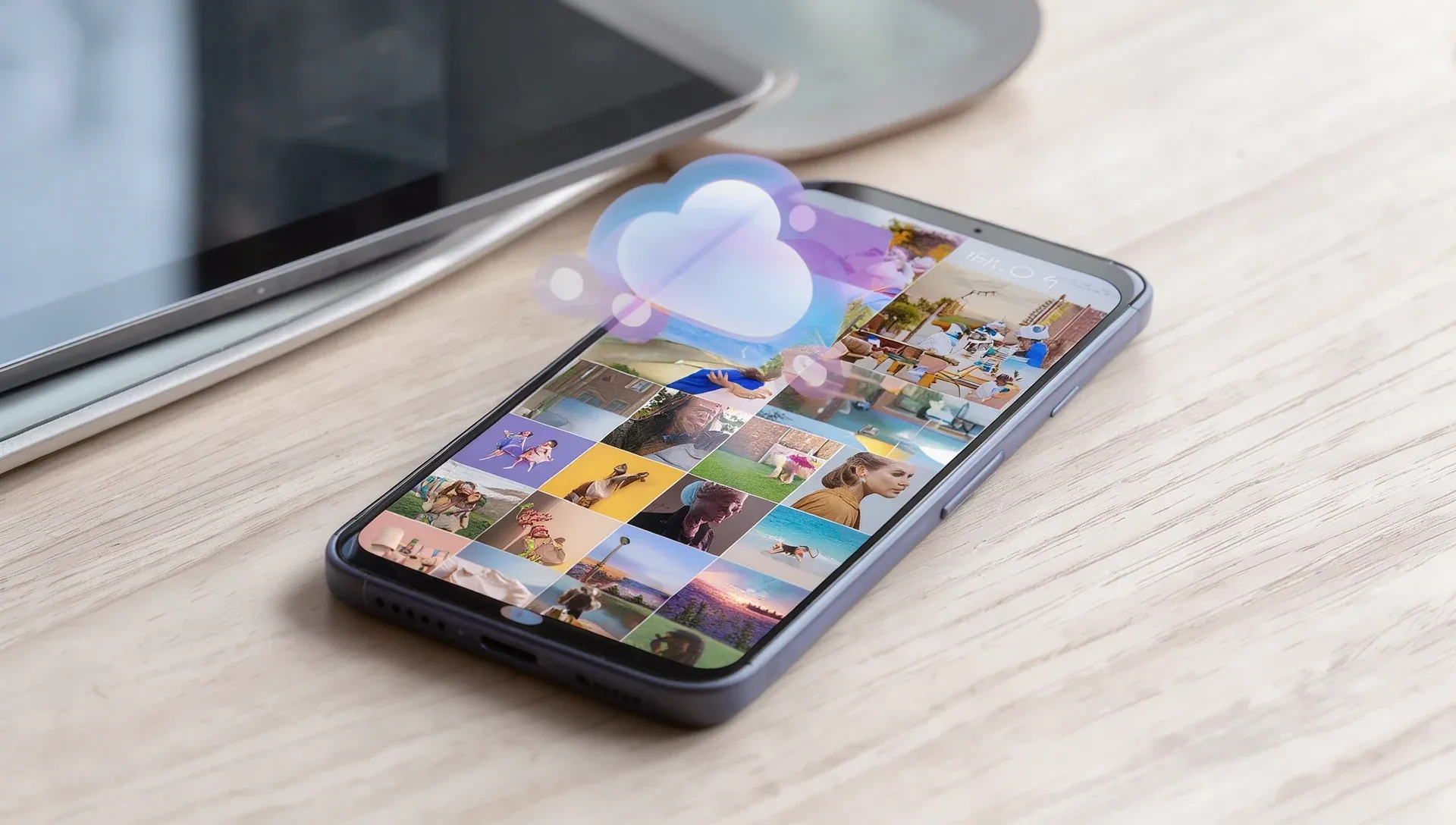
Samsung is now offering Gallery sync with Google storage, so photos and videos taken on one Galaxy device can be viewed on another. Support has started on select devices running One UI 9 and will expand in phases, Samsung says, and availability varies by market and device.
How it works
If your Samsung and Google accounts are set up on a device, you can turn on sync in Gallery without creating a separate cloud account. Sign in with the same two accounts and enable sync on each supported device, and photos you take on your phone appear in Gallery on your tablet.
On a new Galaxy device, signing in with those accounts and turning on sync shows previews of your photos and videos. The originals stay in the cloud, and you can download any file you need.
Free up space
A new Free up space option removes the original files from your device once they've synced, while keeping thumbnails visible in Gallery.
What it costs
There's no separate storage allowance. Gallery sync uses your Google account's existing storage, which is shared with Gmail, Google Drive and Google Photos. Google accounts include up to 15 GB at no cost.
How to turn it on
Tap the Cloud icon in Gallery, tap Get started on the tip card, or go to Gallery Settings and turn on Sync photos and videos, then follow the instructions.
One catch
At launch, Gallery only shows cloud photos and videos that were synced through Gallery after you turn on the service. Anything already in your Google storage stays in the cloud but won't automatically appear in Samsung Gallery.